September 08, 2026
Akumina AI Configuration for Content Safety
Akumina AI Configuration for Content Safety
KMWorld Webinar: Oct 15th, 2:00pm ET. Beyond Search: Connecting Employees to Answers and Action (REGISTER)


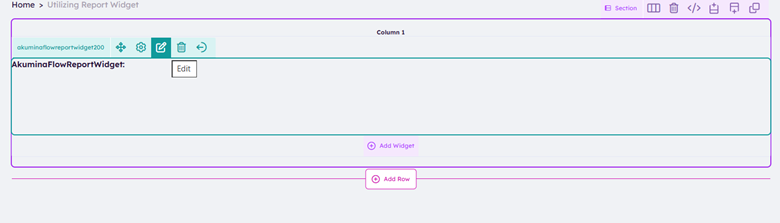
2. 
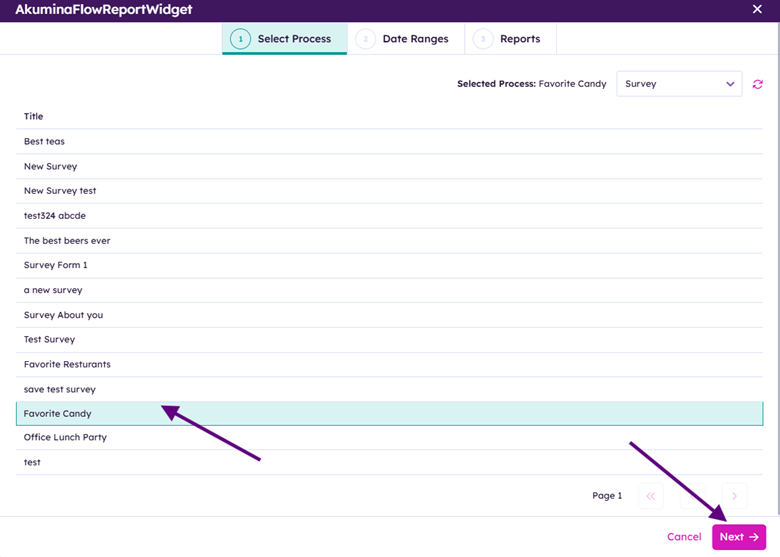
Click Next
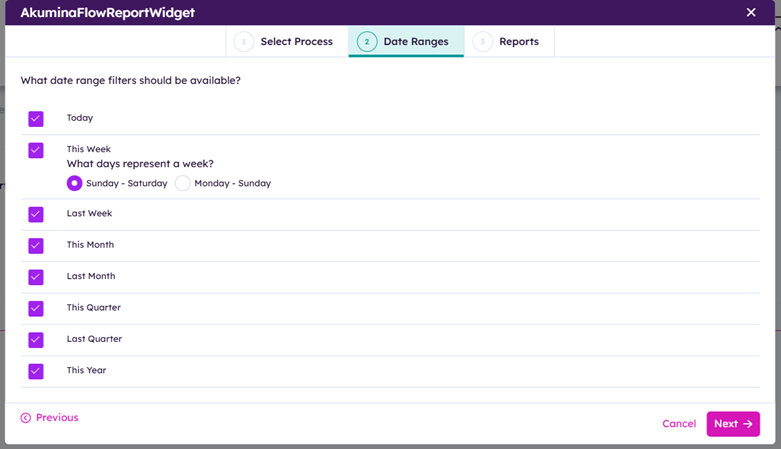
Click Next
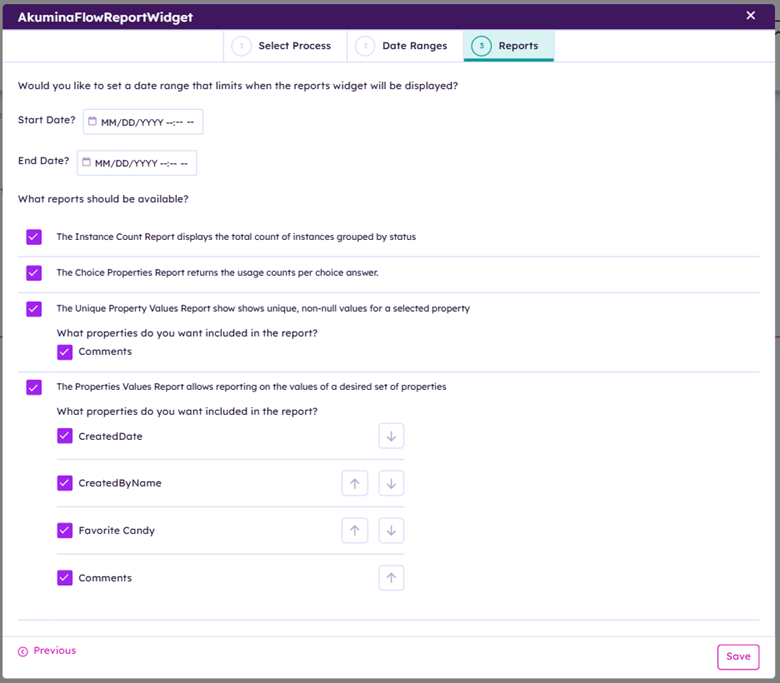
Click Save
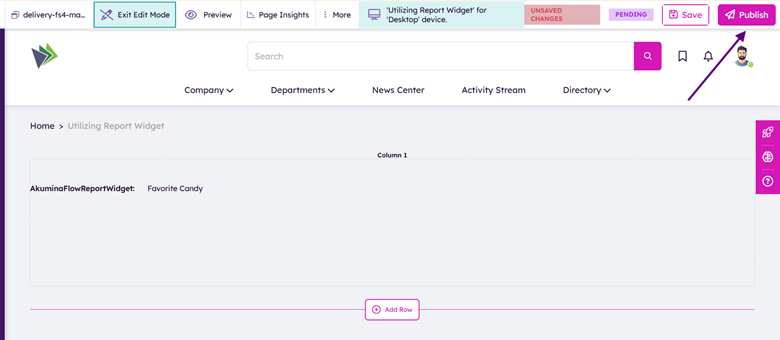
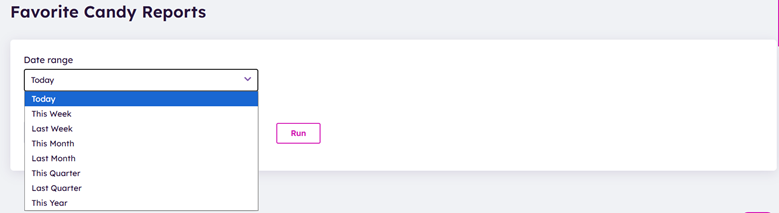
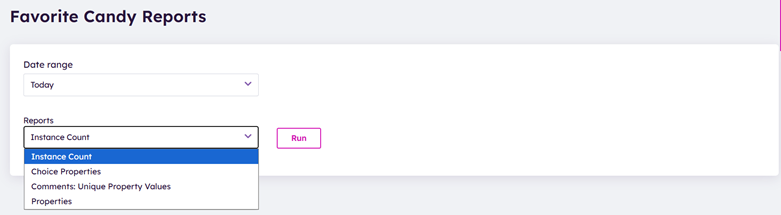
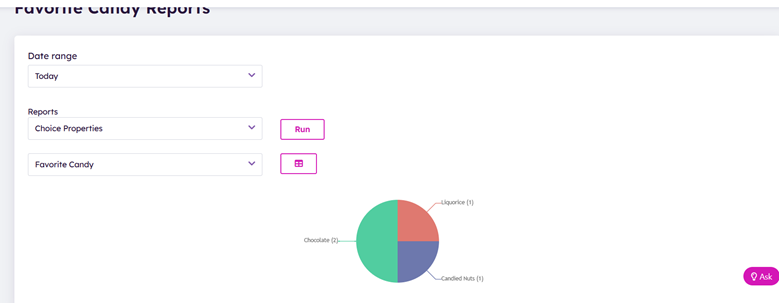
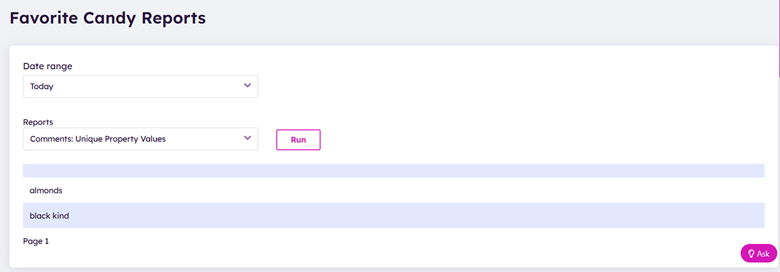
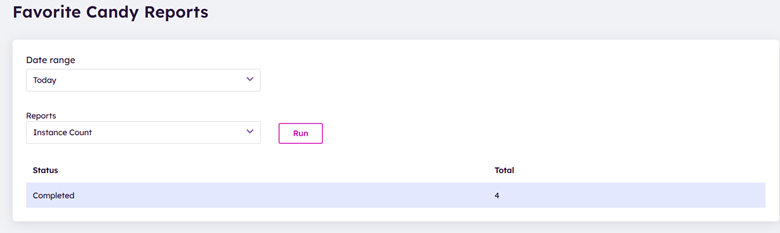
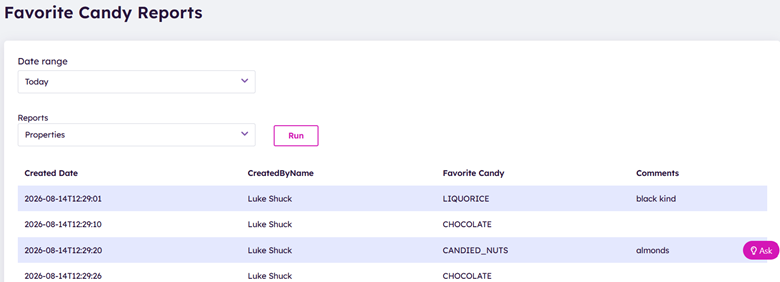
Decide which Date range and reports to display