June 05, 2026
Release 7.0
Release Notes


App Manager Version: 6.4.2509.1612
Bug Fixes
App Manager Version: 6.4.2509.1610
Improvements
Bug Fixes
CDN Version: 6.4.2509.1605
Improvements
Bug Fixes
Bug Fixes
CDN Version: 6.4.2509.1604
Bug Fixes
App Manager Version: 6.4.2509.1609
Improvements
Bug Fixes
App Manager Version: 6.4.2509.1608
Bug Fixes:
CDN Version: 6.4.2509.1604
Improvements
Bug Fixes
App Manager Version: 6.4.2509.1605
Improvements:
App Manager Version: 6.4.2509.1604
Improvements:
CDN Version: 6.4.2509.1603
Improvements
Bug Fixes
App Manager Version: 6.4.2509.1603
Improvements:
Bug Fixes:
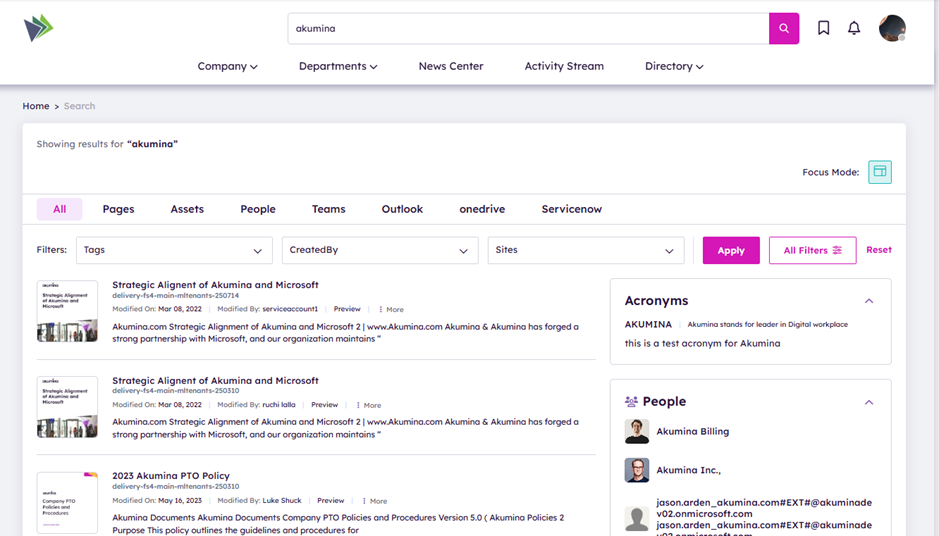
The Akumina 6.4 release introduces significant updates to the Search experience, improving usability, discoverability, and manageability across your digital workplace, as well as integrating with M365 Copilot connectors for federated search.
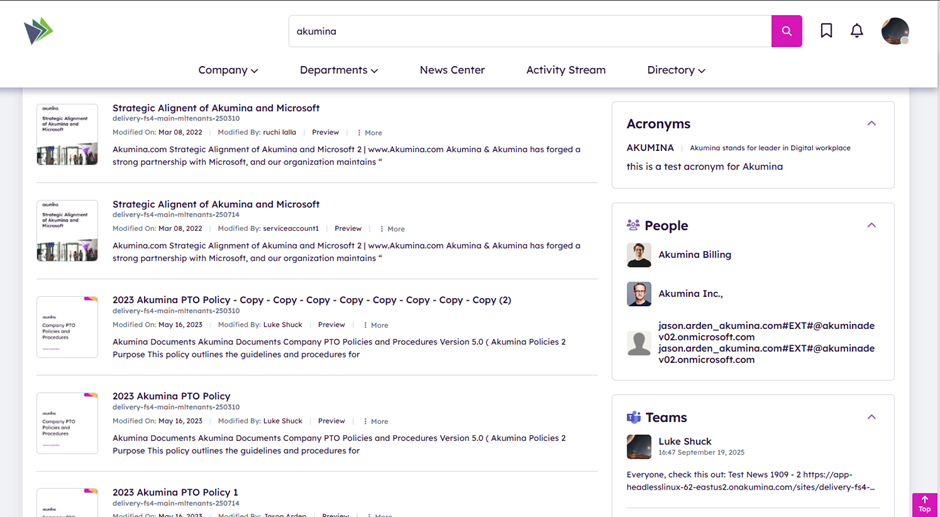
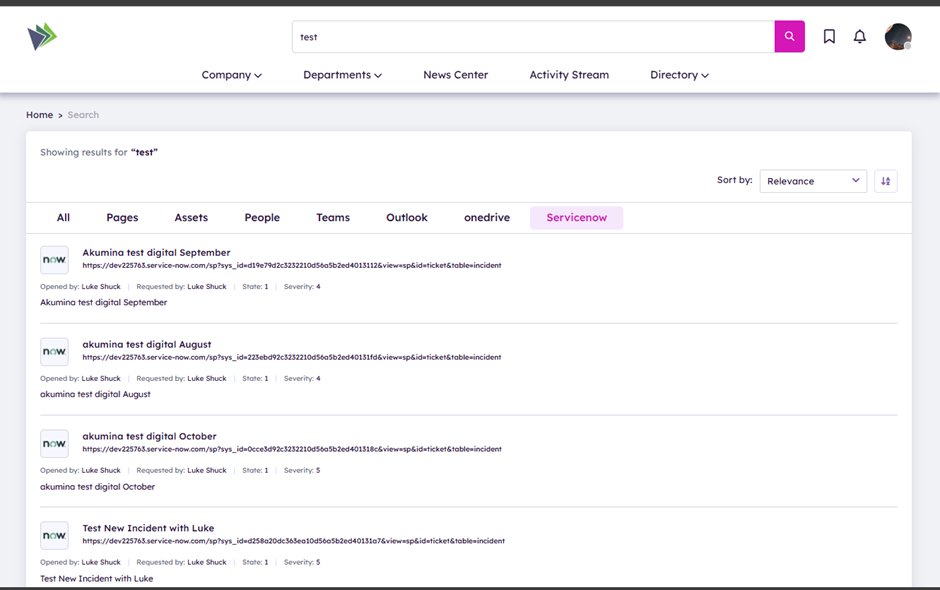
Ability to use M365 Copilot connectors to connect to external systems like ServiceNow and display the results in search results page.
Configurable screens in Voice Search Manager to configure the view and display of connector data on the search results page.
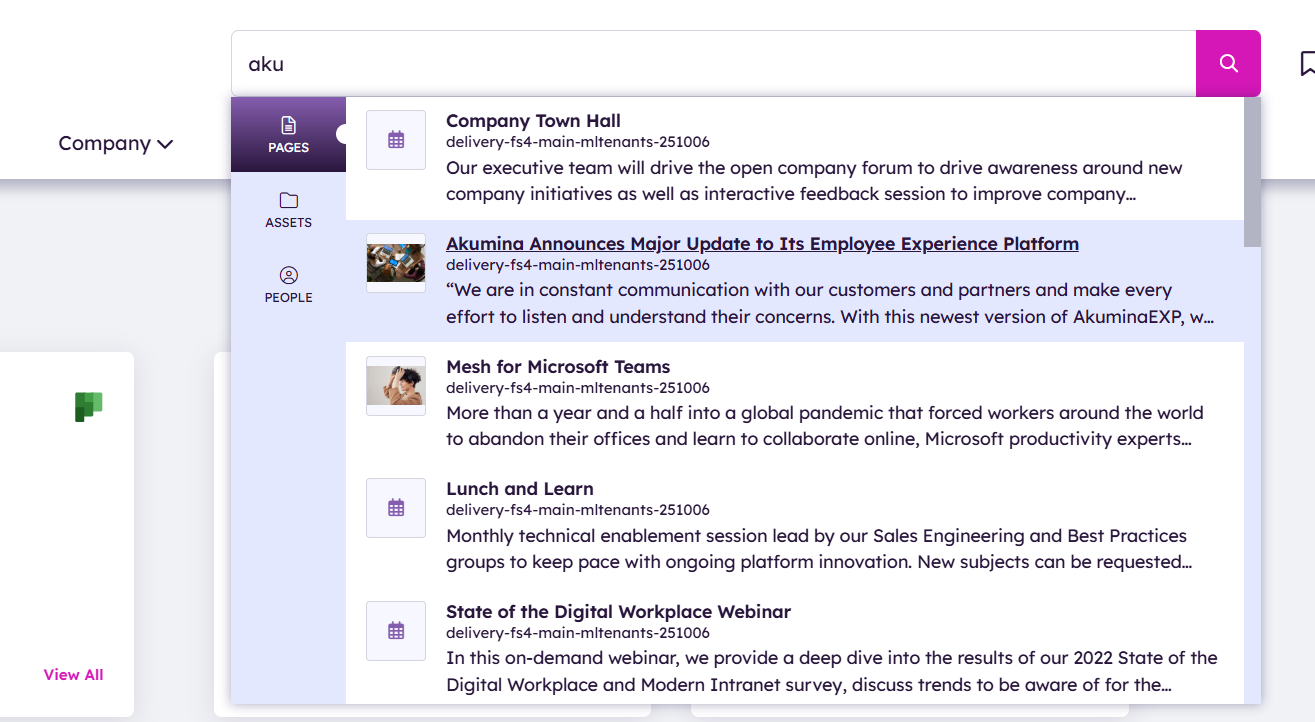
Instantly displays predictive search (typeahead) results as users begin typing a keyword.
Results span across Pages, People, and Assets verticals.
Search keyword suggestions are available on headed searches.
Unified Search Results Page shows results for the entered keyword.
Includes:
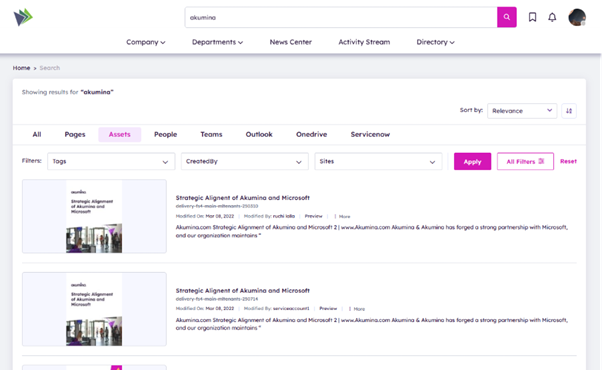
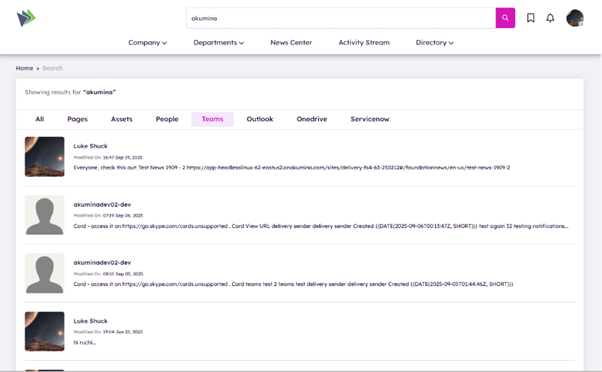
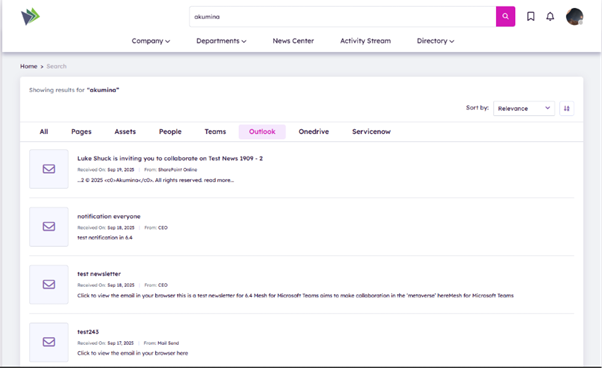
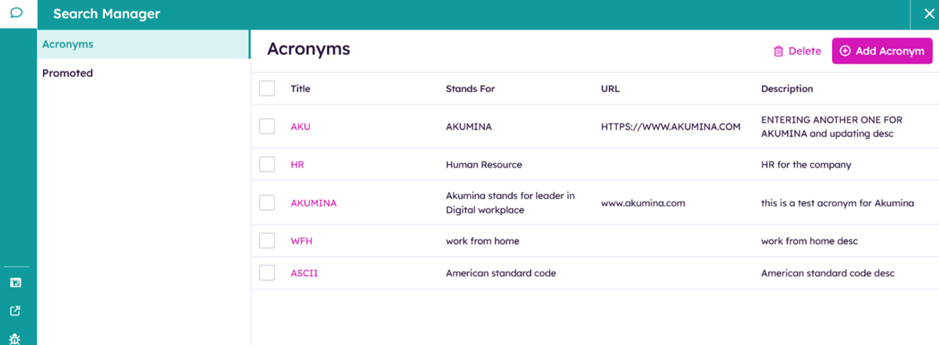
The search results page displays acronyms and promoted results configured in graph search for the entered keyword.
Promoted results help people quickly find important sites and tools with just a search. Each result includes a title, URL, a set of user-friendly keywords to trigger the bookmark, and a category.
Users often run into unfamiliar acronyms and abbreviations used by their organization or team. Microsoft Search solves that problem with Acronyms.
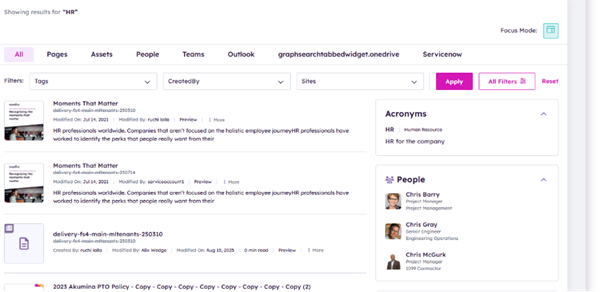
Microsoft Search API in Microsoft Graph supports spelling corrections to handle mismatches between typos in user queries and correct words in matched contents. If the entered keyword is misspelled spellcheck will suggest correct spelling.
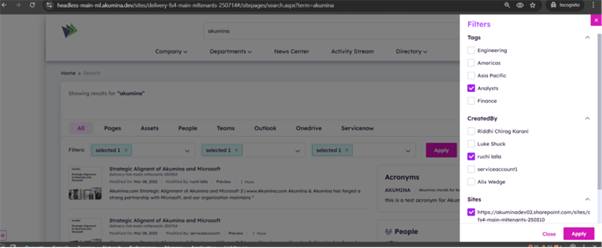
Dynamic filters on the Search Results Page enable users to refine results based on available criteria (e.g., content type, metadata).
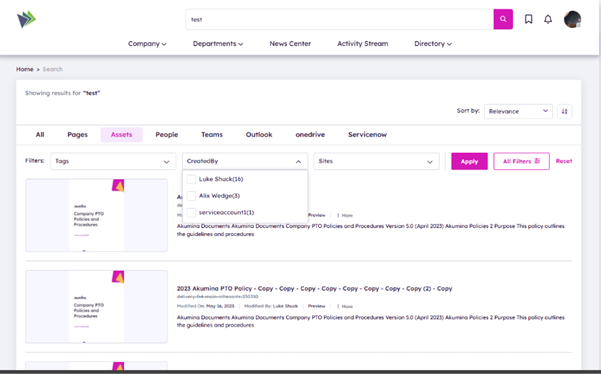
Search results page gives the ability to sort the results based on relevance, date, and more.
Seamlessly retrieves results from multiple sites across your environment.
Site scope can be configured within the Search Manager.
Allows customization of search result item appearances based on their category.
Example: Display a News item differently from an Event item using configurable templates.
Additional capability in Voice to support management apps like the Search Manager. Ability to manage acronyms, promoted results, external items and search configurations.
Akumina 6.4 delivers a smarter, more intuitive search experience that empowers users to find content faster and with greater precision—across all areas of the digital workplace.
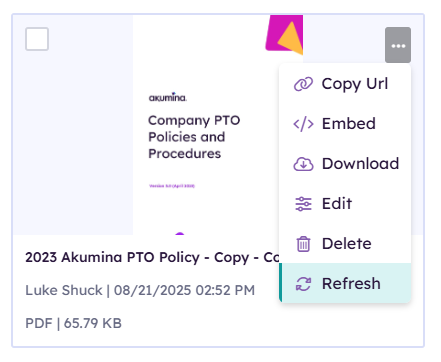
Allows authors to clear Redis cache keys for individual items directly from the Asset Library UI, ensuring that outdated cropped images are refreshed in both thumbnail and list views.
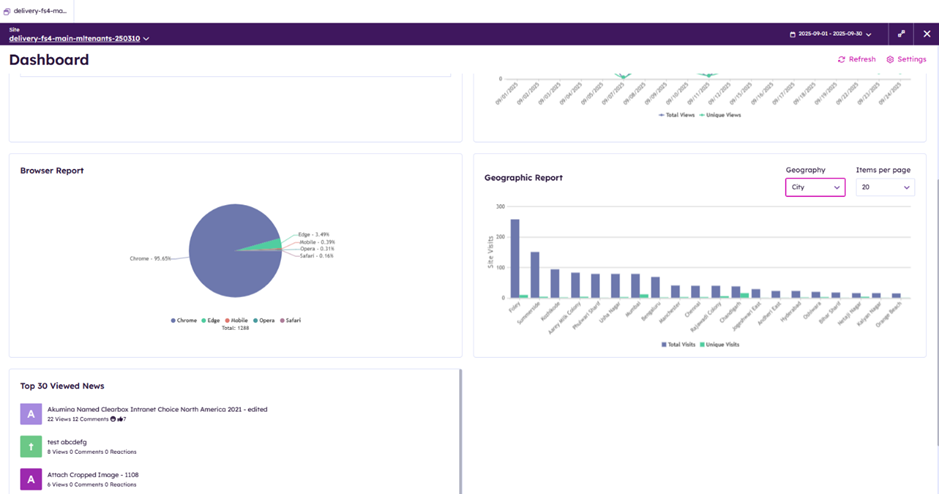
The Geographic Report widget in the Voice Analytics dashboard, which previously displayed user login data by country, has been enhanced to include city-level filtering. This provides more granular insights into platform usage across geographic regions.
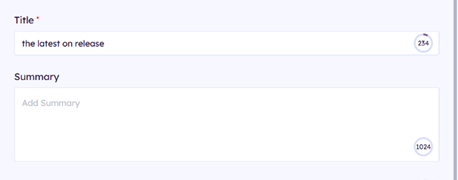
Refined the interface to provide a smoother and more intuitive experience when working with maximum character limits.
By default, commenting is enabled for content types such as news, blogs, and media. To simplify configuration, we have introduced the DisableCommenting property, which allows you to easily disable comments across the product.
Configure SMS and emails in the Notification Manager and Flow Designer to enable sending of email and SMS notifications along with the bell notifications.
Newsletters and Broadcast Messages can now be sent to nested AD groups along with support for personas, query builder, everyone, and more.
We have now Added Implementation Version to the cache keys - this way when you change implementation version it clears the cache.so after any update, all employees don’t need to clear their local storage cache to see latest updates.
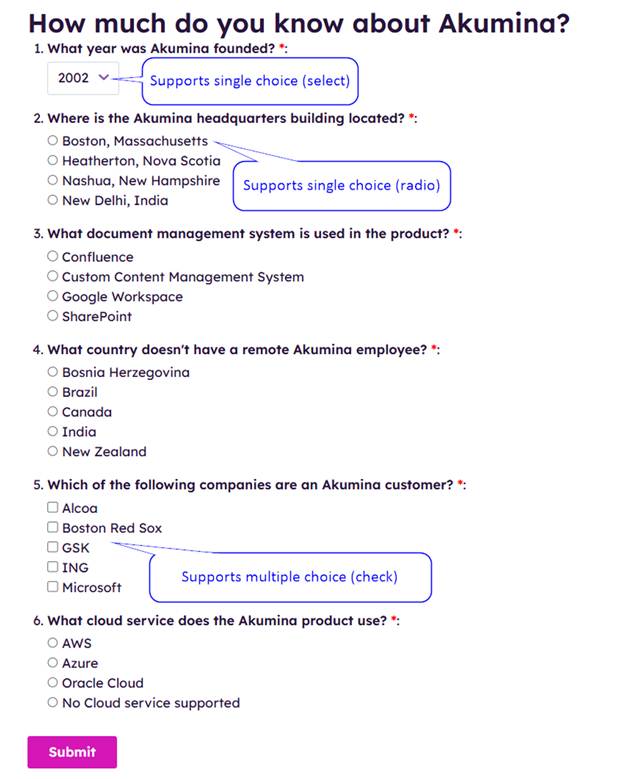
Configure Akumina Flows to create multiple choice questions with scoring ability.
Updated sprite images to latest for M365 and various others. Across Hive Foundation Site 4 wherever you see sprite images they are now updated to show latest