Akumina Announces Leadership Appointments - Peter Shields Named CEO, Ed Rogers Appointed President & Chief Product Officer Learn More
Akumina Logo
Back

Site Notifications Akumina Flow - Voice

Akumina Flow Site Notifications:

Akumina Flow notifications are triggered from Akumina flow. Here are some examples of how they can be triggered:


Accolade:

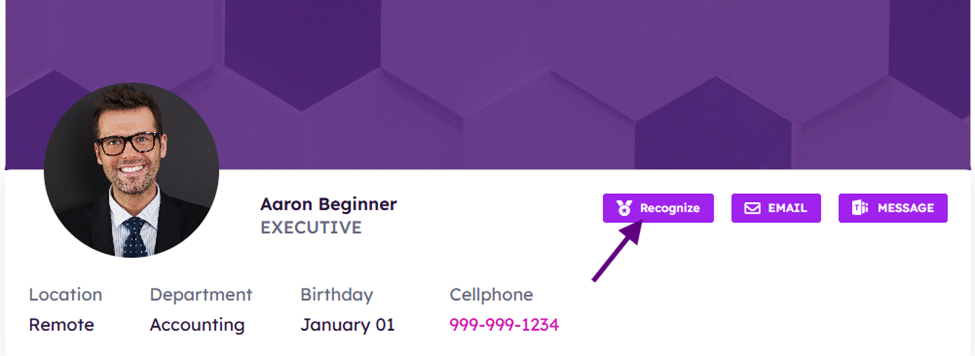
If a colleague awards you or recognizes you by clicking Recognize on your profile or nominating you for an award Accolade notification will be triggered.
You will recieve a notification:



Akumina Flow Instance & Akumina Flow Task:


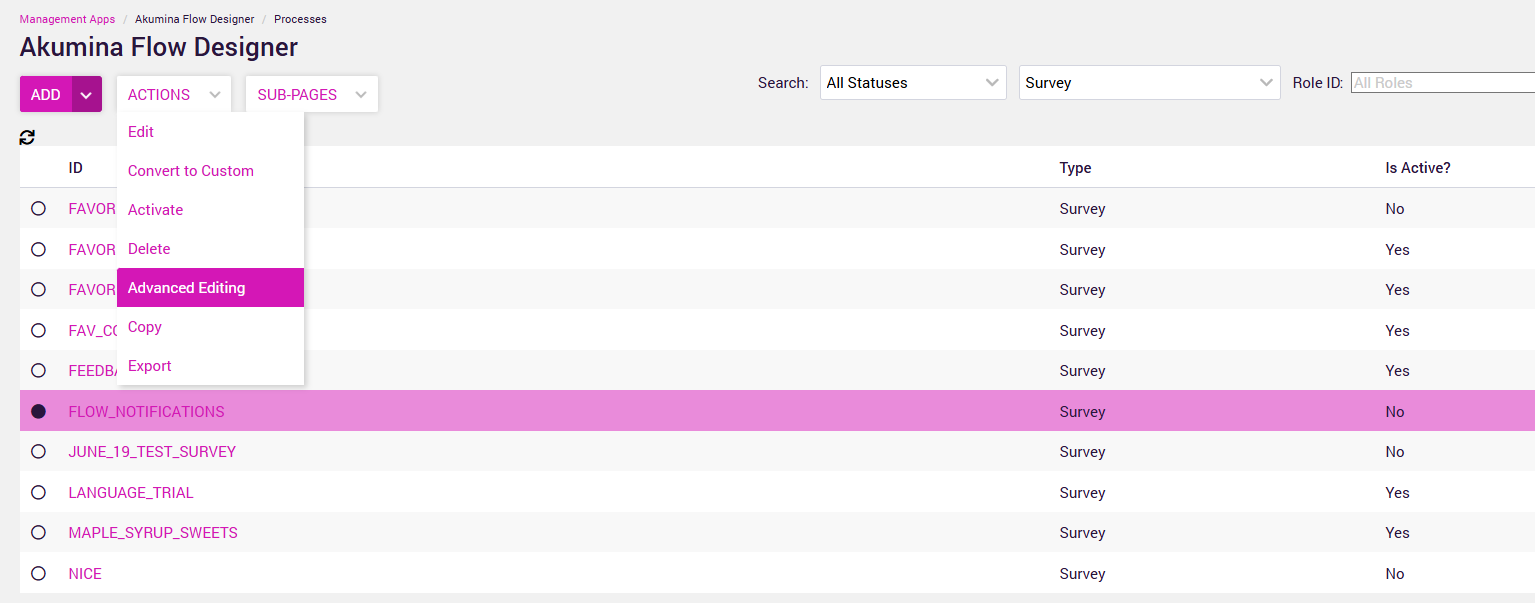
These need to be configured at the flow process in Advanced Editing

*Note you can only modify a flow when is Active = No 
 

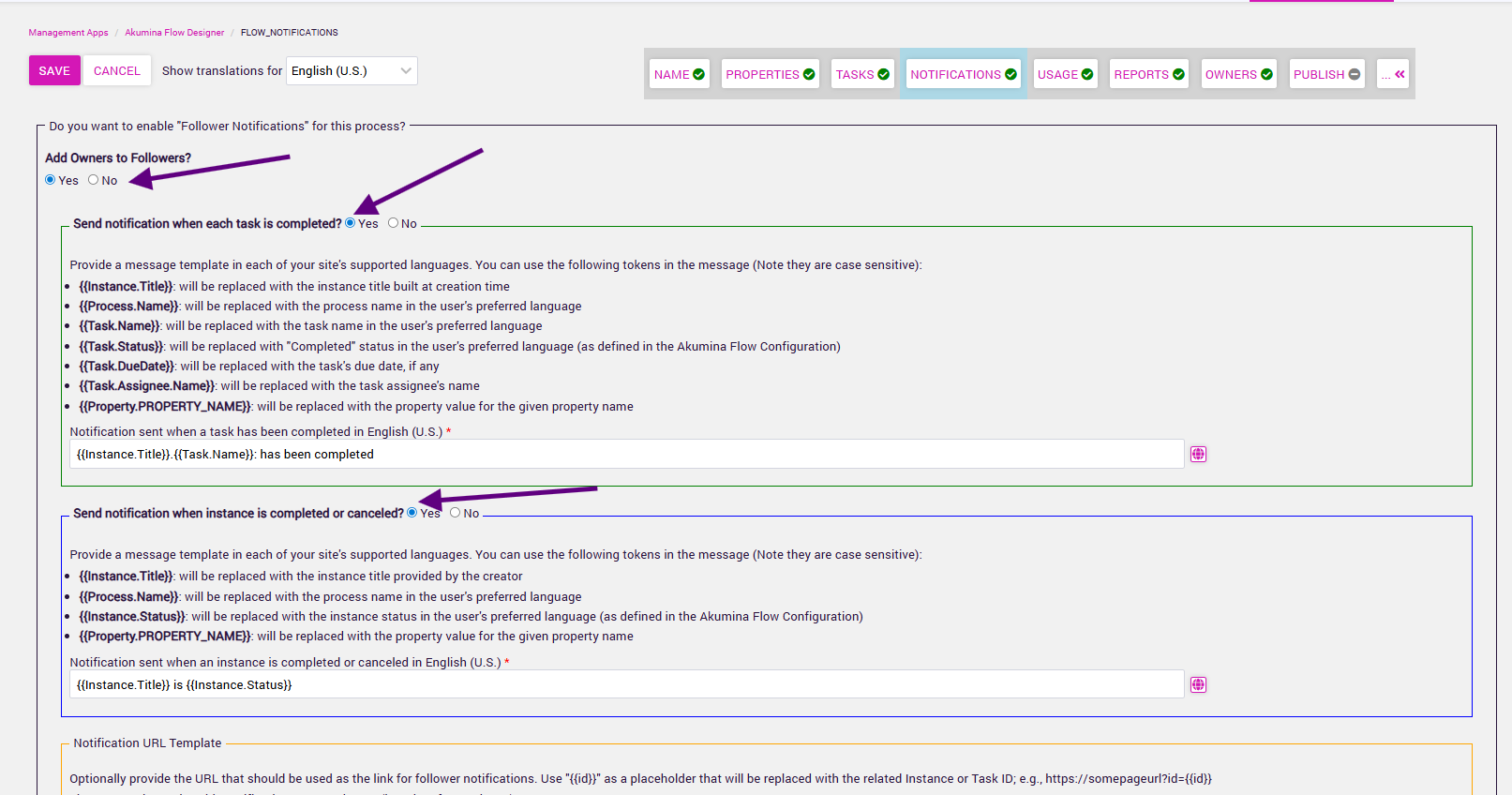
  1. Click on the Notificiation setting
  2. Decide which events will trigger notifications
  3. You can also adjust the notification message


See an example of a flow message ("flow notifications is my flow process name)



An important take away from this section should be unless your Flow builders configure your flow processes to send notifications you will not get them. Also this requires awards or recognition to be built with notifications turned on.

^ Top