
 In the comment section the Moderator(s) can Approve or Reject content.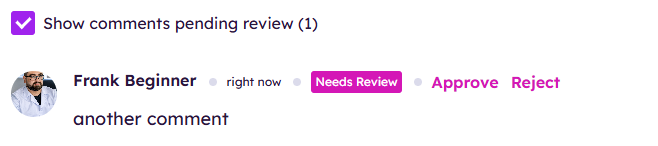

June 05, 2026
Release 7.0
Release Notes


| Notification | Picture of Notification | Notes on Notification |
| Comment | 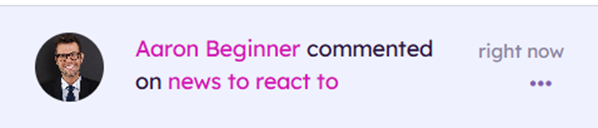 |
This notification is triggered when someone comments on an article or an existing comment.
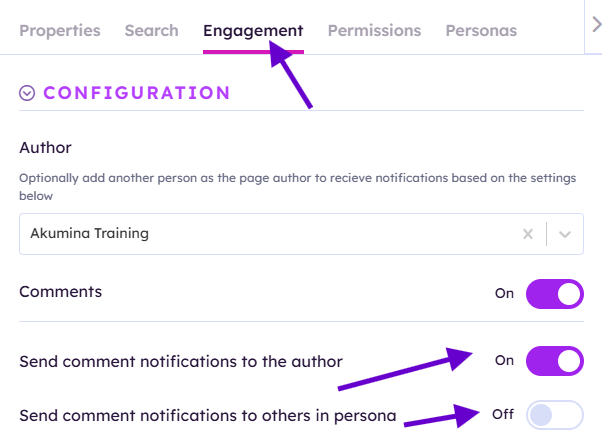
Please note to get this notification for comments on the article it needs to be enabled in Engagement tab of the content item.
|
| Review Comment Concern | 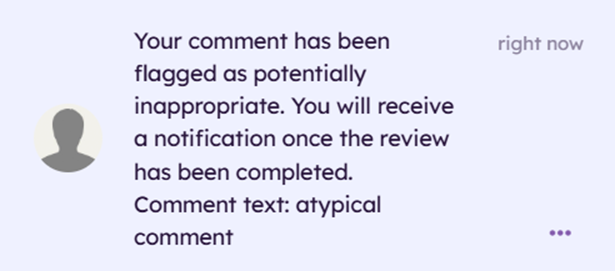 |
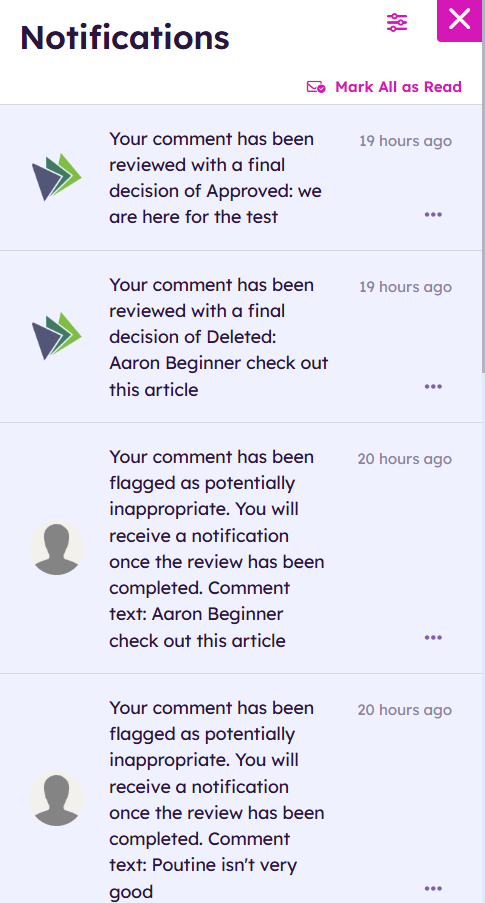
This gets flagged when your comment is reported as inappropriate by an individual. |
| Decide Comment Concern | 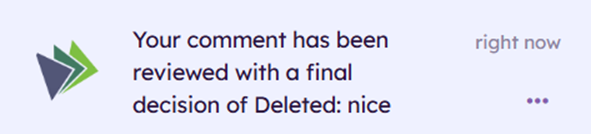  |
This is triggered when your reported comment is adjudicated by a Comment Manager on the Central site on Comment Manager. If the comment is Approved it will visible again. If the comment is Deleted it will be deleted from the site and be recorded in Comment Manager. |
| Reaction |

|
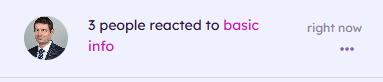
This is triggered when a colleague reacts to your item or comment. If you have multiple reactions this will get rolled up into one notification. 3 or more reactions will go into a rollup notification.
Please note this needs to be enabled on the item in Engagement tab if you want to get notifications for reactions to the article
|
| Comment Moderator to Review | 
|
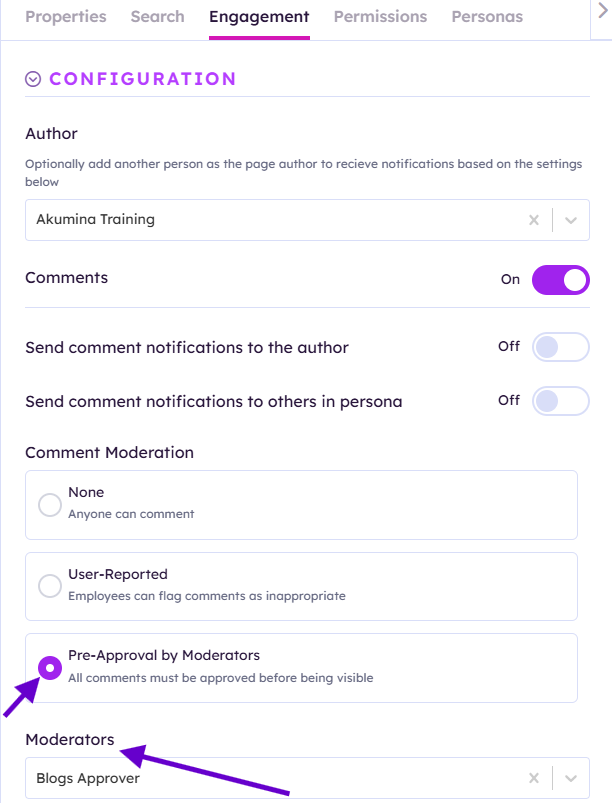
This is triggered when a comment requires Pre-Approval by Moderators. This is configured in Engagement tab on individual items. It can be approved by aprrovers on the page.
|
| Mentioned |
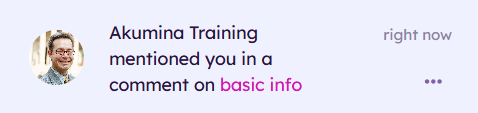 |
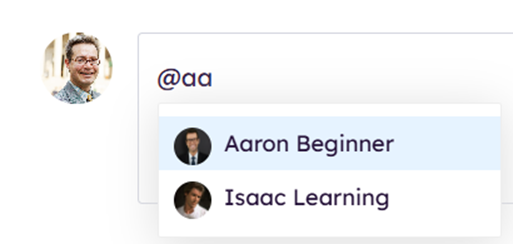
In a coment if you type "@name of colleague" then write a comment they will see the notification Mentioned
|
| Accolade | 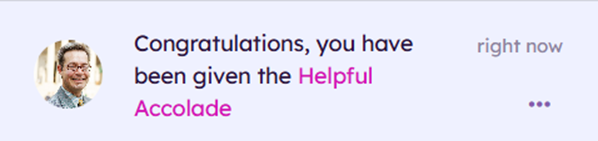 |
If a colleague awards you or recognizes you by clicking Recognize on your profile or nominating you for an award Accolade notification will be triggered. |
|
Akumina Flow Instance |
 |
These need to be configured at the flow process in Advanced Editing |
| Akumina Flow Task | |
These need to be configured at the flow process in Advanced Editing |
Akumina Flow notifications are triggered from Akumina flow. Here are some examples of how they can be triggered:
If a colleague awards you or recognizes you by clicking Recognize on your profile or nominating you for an award Accolade notification will be triggered.
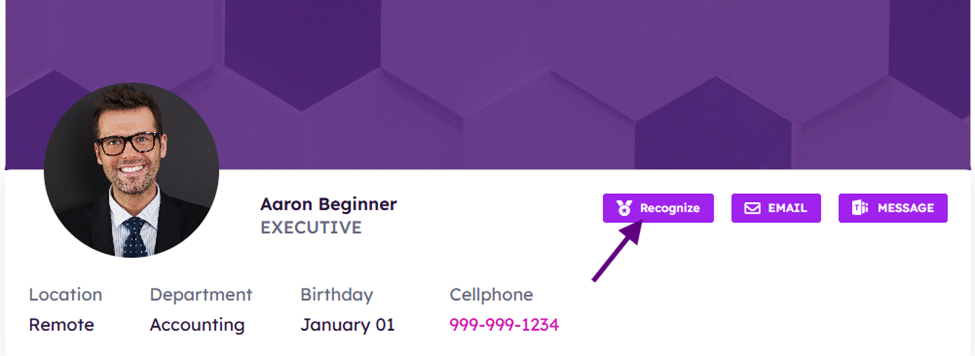
You will recieve a notification:
These need to be configured at the flow process in Advanced Editing
*Note you can only modify a flow when is Active = No
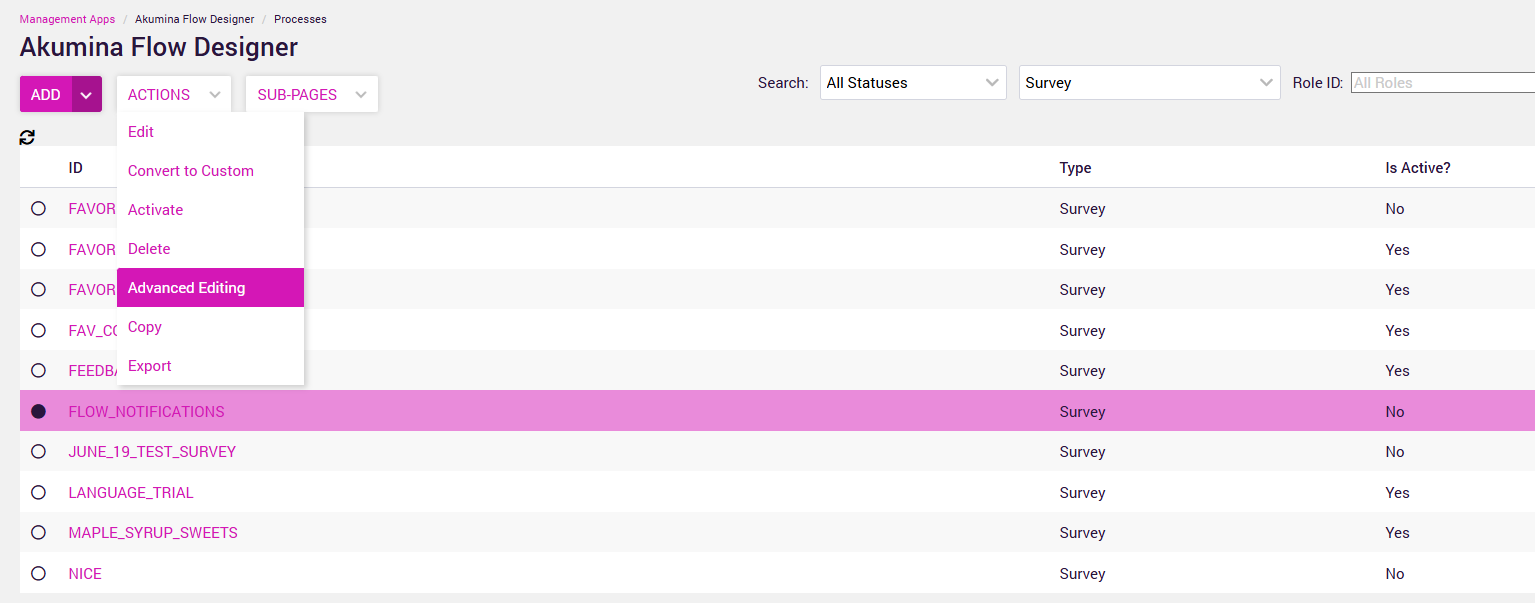
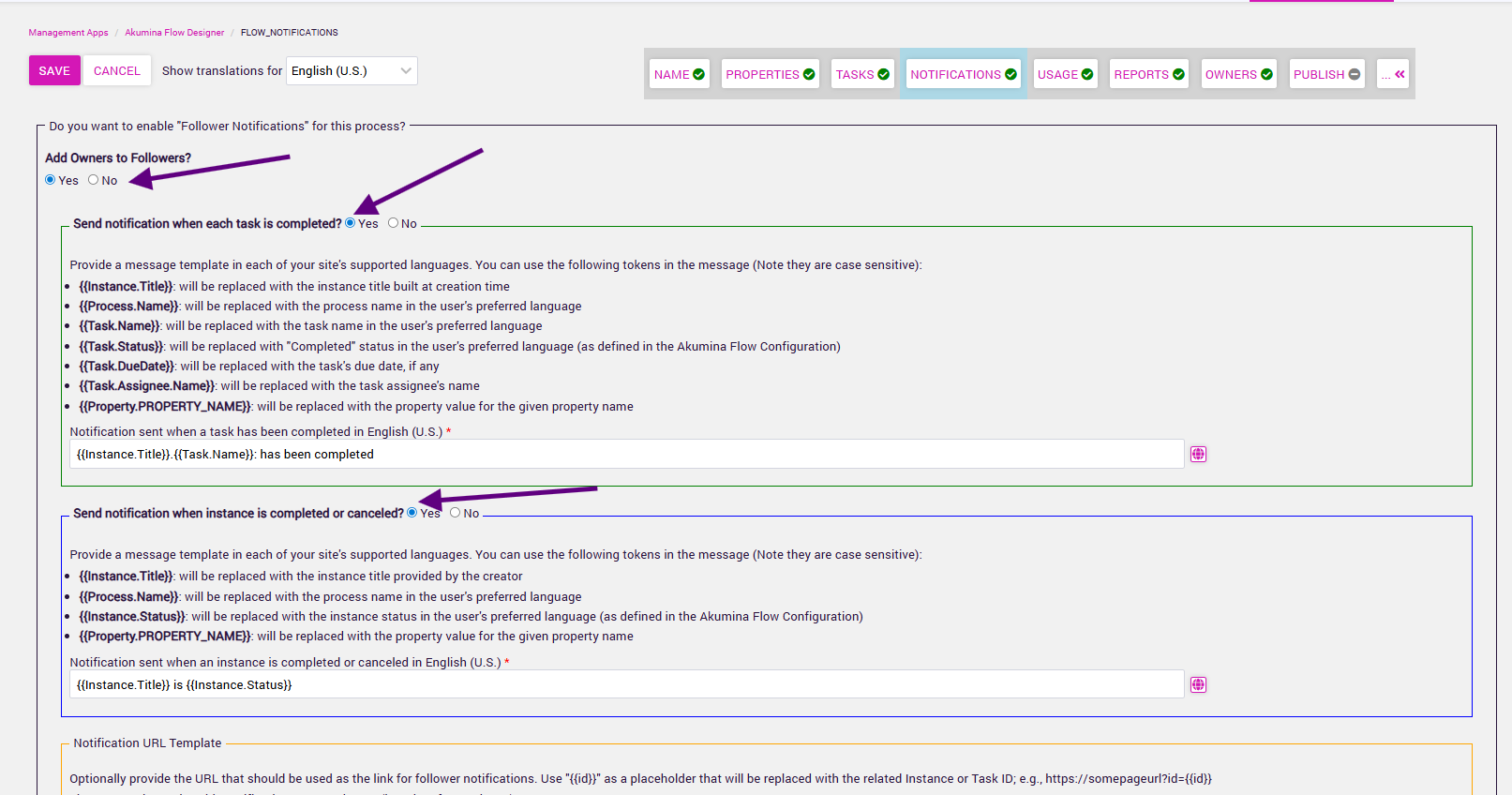
See an example of a flow message ("flow notifications is my flow process name)