July 15, 2026
PeopleSync Serverless Setup for Single Tenancy
PeopleSync Serverless Setup for Single Tenancy and document vectorization process


Enable Awards in the Settings
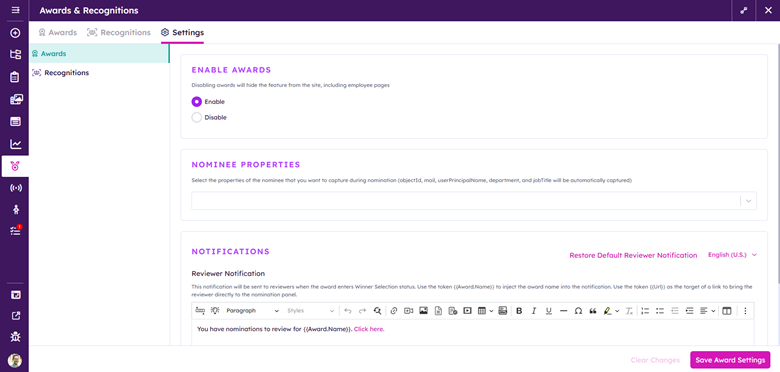
Click Save Award Settings
Create an Award:
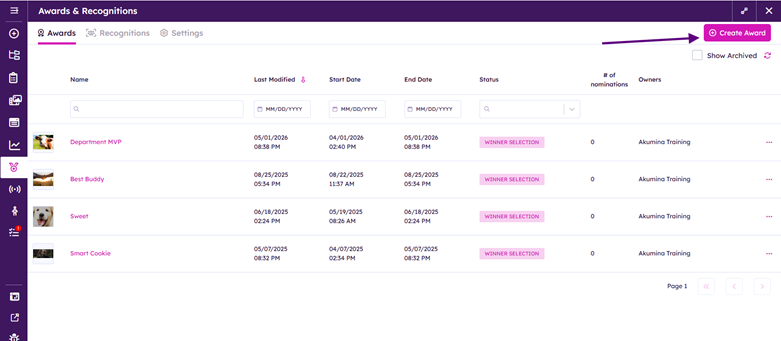
Provide Award:
Name
Description
Icon/Image
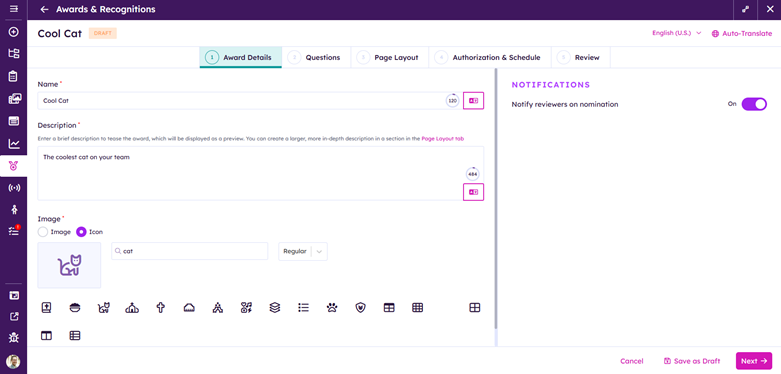
Determine if Notifications will be sent to revivers ON/OFF
Award form
Provide Questions
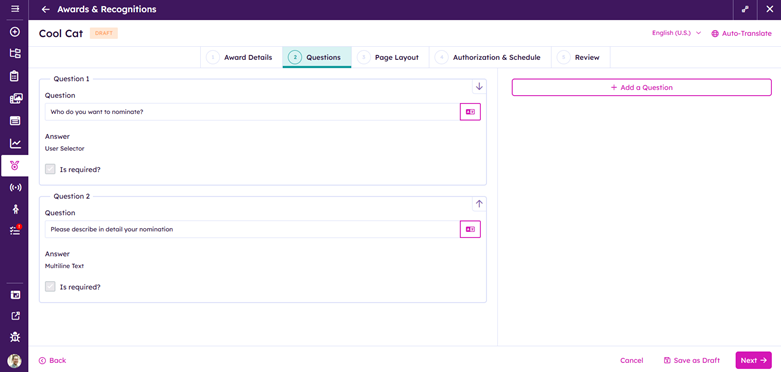
Awards requires the following questions:
User Selection
Nominee description
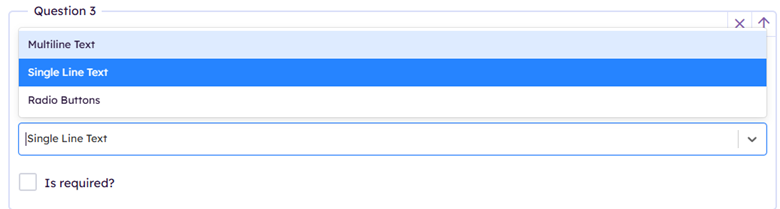
Add in additional questions as needed

Additional questions can be Single Line Text or Radio Buttons
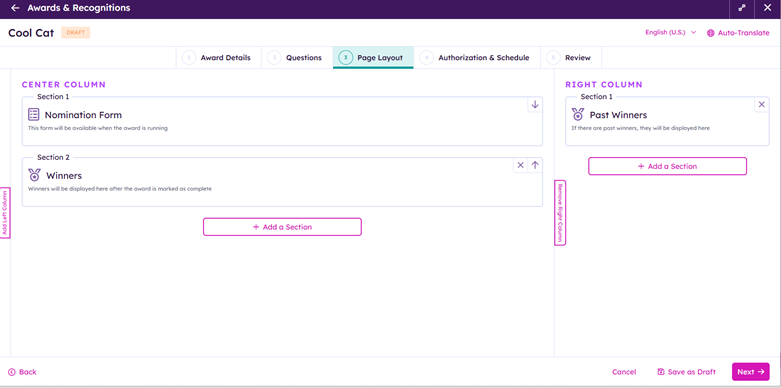
Build your Award Page layout:
Authorization & Schedule:
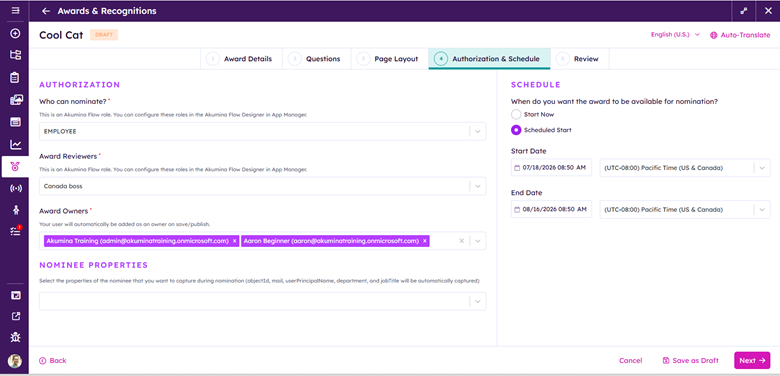
Who can nominate? Select the Akumina Role (From Akumina Flow Designer) who can nominate for this award
Award Reviewers Select the Akumina Role (From Akumina Flow Designer) who can chose the award winner.
Award Owners: Can modify the Award (automatically whoever creates it. Others users can be added)
Nominee Properties: Select the properties of the nominee that you want to capture during nomination (objectId, mail, userPrincipalName, department, and jobTitle will be automatically captured)
Schedule:
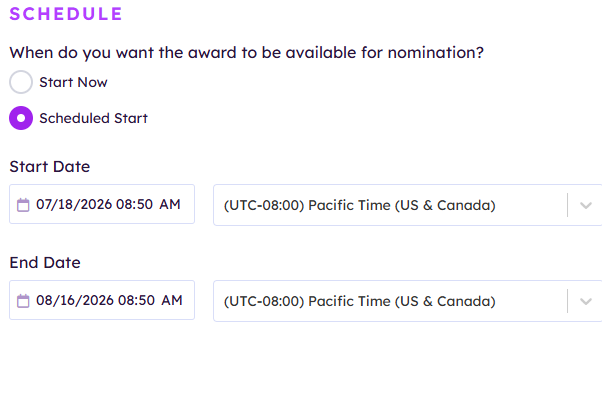
Start and End Date defines the window of time where users can nominate individuals for the award. Once the End Date has been surpassed the Award Reviewers can then pick winner(s). The End date can be modified to the pick a winner
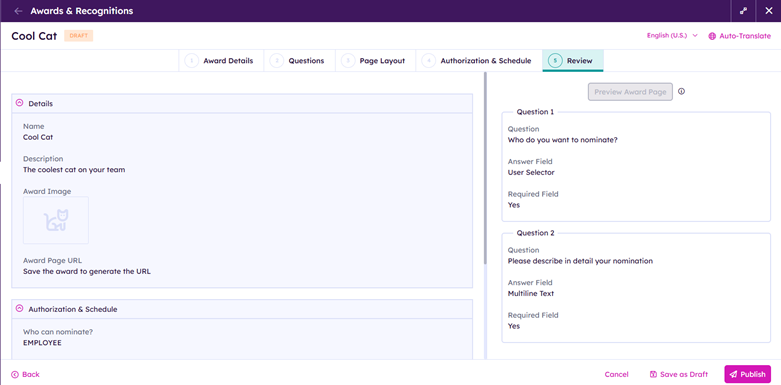
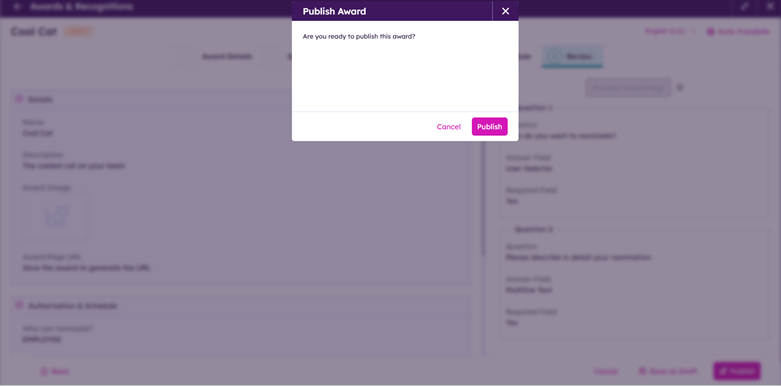
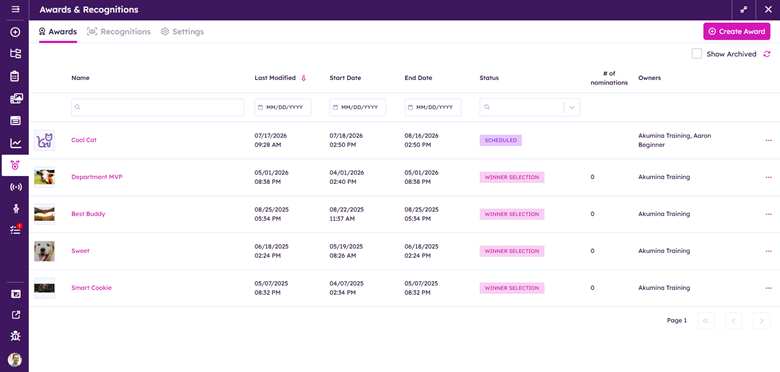
Publish the award:
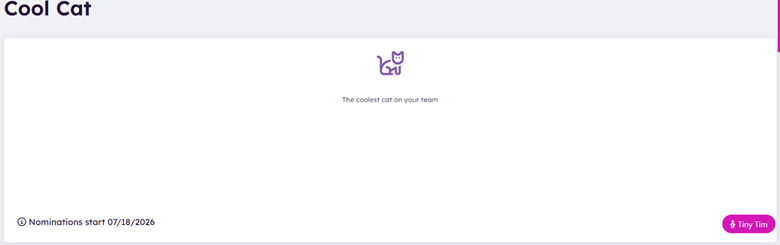
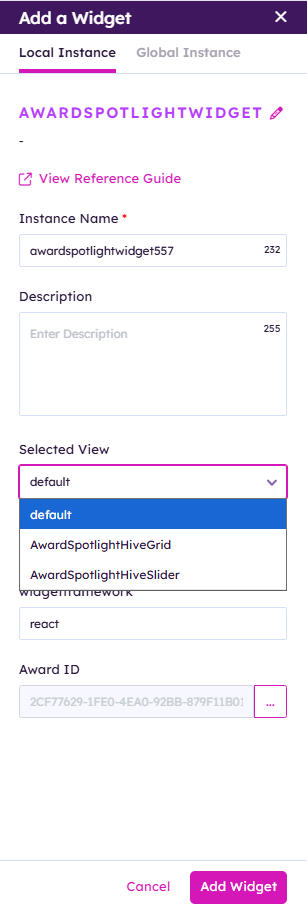
Add Award Spotlight widget to the page
Select the Award ID & Pick the view to determine how the Award Spotlight will be presented
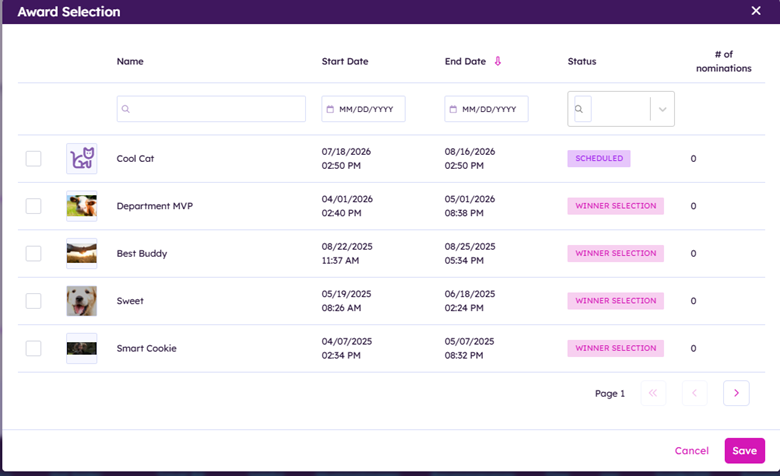
Depending on the status of the award it will look present differently