August 19, 2026
Document Intelligence for Akumina AI
Configuring Azure AI Document Intelligence, directly and through Azure API Management


Simplify the configuration and access of an Akumina Flow report.
Access Flow report information on the intranet. Meant to be a simplified access area for users to access the Survey reports rather then having to go in App Manager to find this.
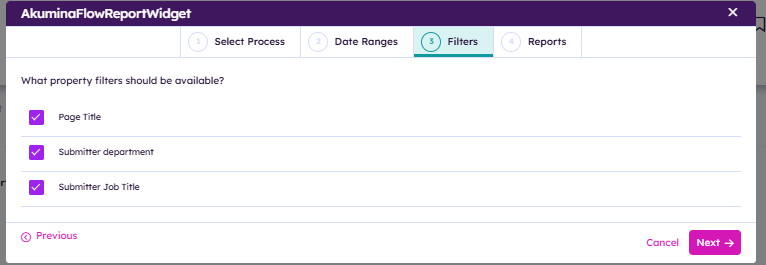
The AkuminaFlowReportWidget has 2 modes: Edit and View. You enter “Edit” mode by changing the page to edit mode and then clicking the “Edit” button displayed on the widget. From “Edit” mode you can select an existing flow and then configure the display of its reports.
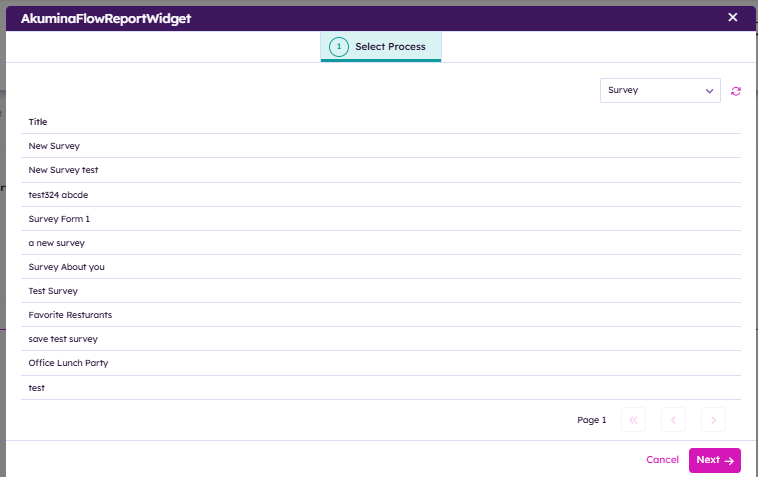
Select the Flow Process
Select one of the listed flows to use for this widget. You can filter the list by selecting the type of process you are looking for.
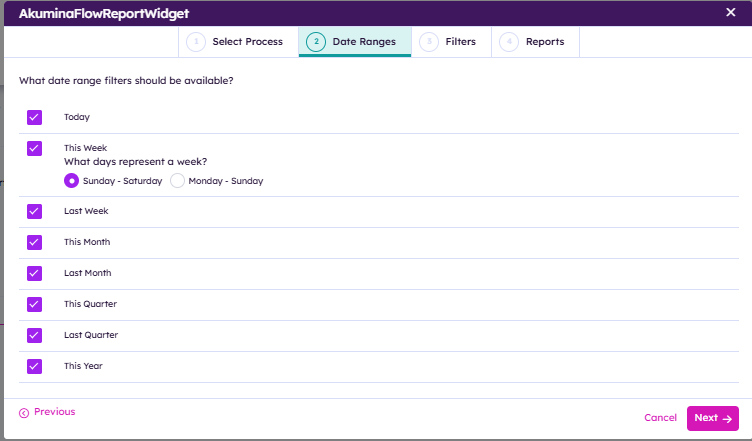
Date Range Filters
What date range filters do you want for your reports?
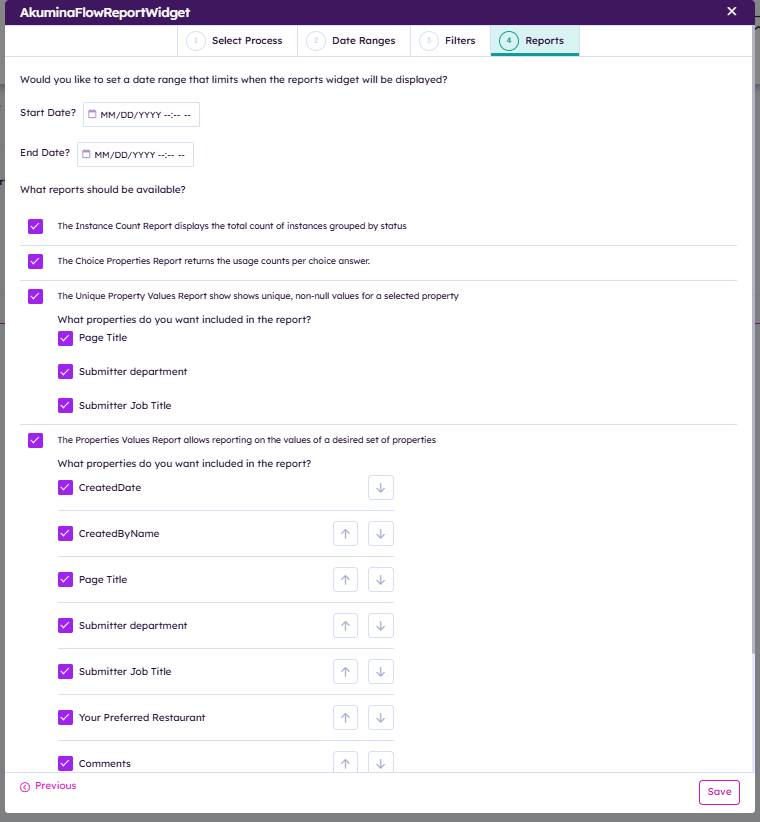
Select Reports to Include
A list of authorized reports for your selected process will be displayed. Select which of these reports you want to make available from the widget.
The AkuminaFlowReportWidget:
N/A
The only widget property you should edit via the generic widget property panel (by clicking on the cog icon above the widget):
Widget Height: either CARD or FULL. CARD size is typically half the height of FULL
View Name:
default.html: this is the view used when an employee is running the reports.
editmode.html: this is the view used in configuring the report widget.
View Preview:
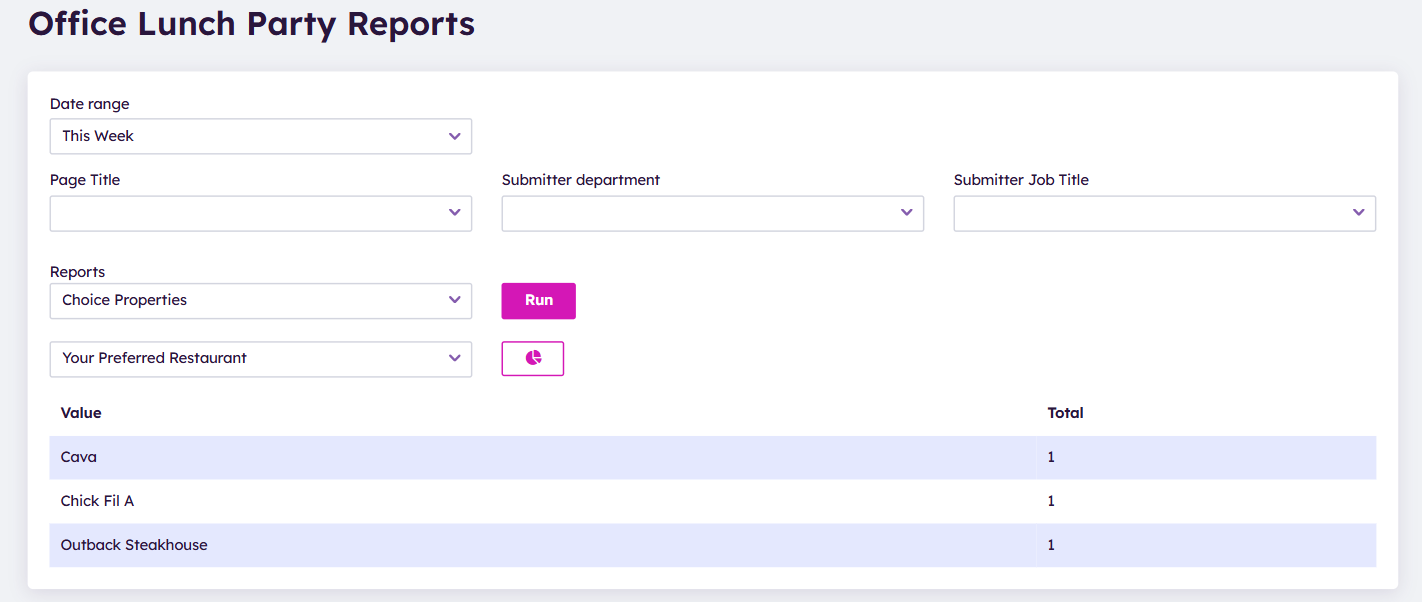
View Name:
editmode.html: this is the view used in configuring the survey widget.
View Preview: