January 13, 2026
Adding items to Launch Pad Widget
Learn how to add items via My Apps Content App


How to Update Cache After making Language token change
Easier Way (If the user has access):
1. Navigate from your front end url + /admin/configsettings so it looks like this:

The landing page looks like this:
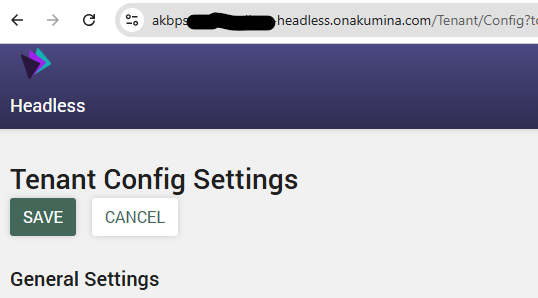
2. “Trip” the ImplementationVersion by adding one to the last two digits, make it go from this:
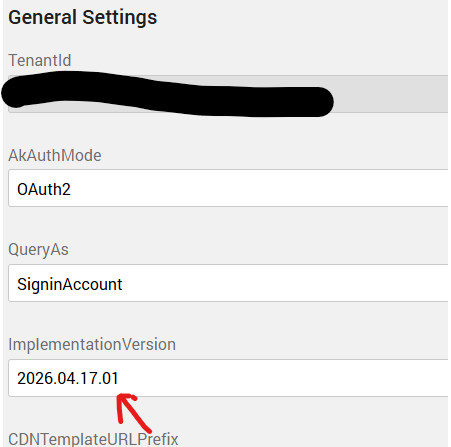
To this: 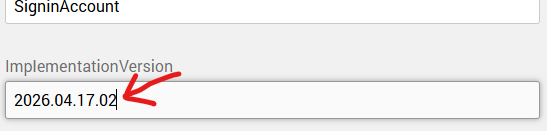
3. Click on the Save button and your cache should be updated: 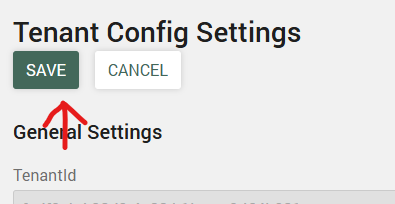
Other Way (If the user does NOT have access):
4. Go to the central site app manager > management apps: 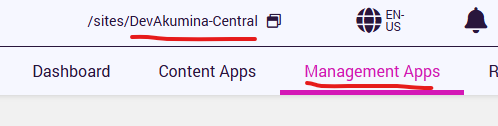
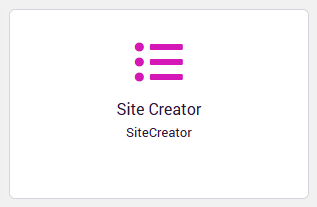
5. Click on Site Creator:
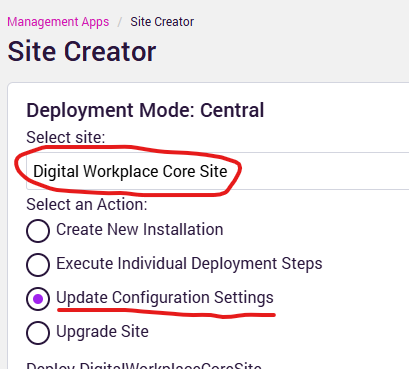
6. Click on Digital Workplace Core Site then select Update Configuration Settings:
7. Next Scroll to the bottom and click Update to updating the site configuration:
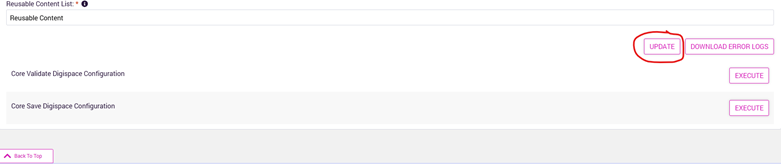
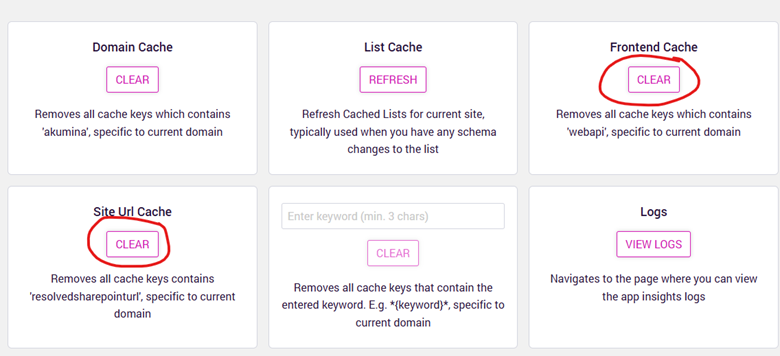
8.  Once that is done, change the url to have your app manager url + /admin/debug like this:

9. Clear Site Url Cache, and Frontend Cache:
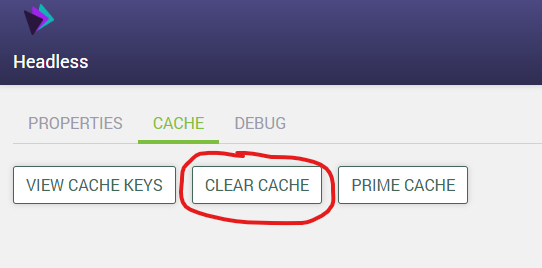
10.  Then go to the front end and add admin/debug to it:

11. Click on Cache and Clear Cache:
Once that is done the top nav folder link should be fixed!