August 19, 2026
Document Intelligence for Akumina AI
Configuring Azure AI Document Intelligence, directly and through Azure API Management



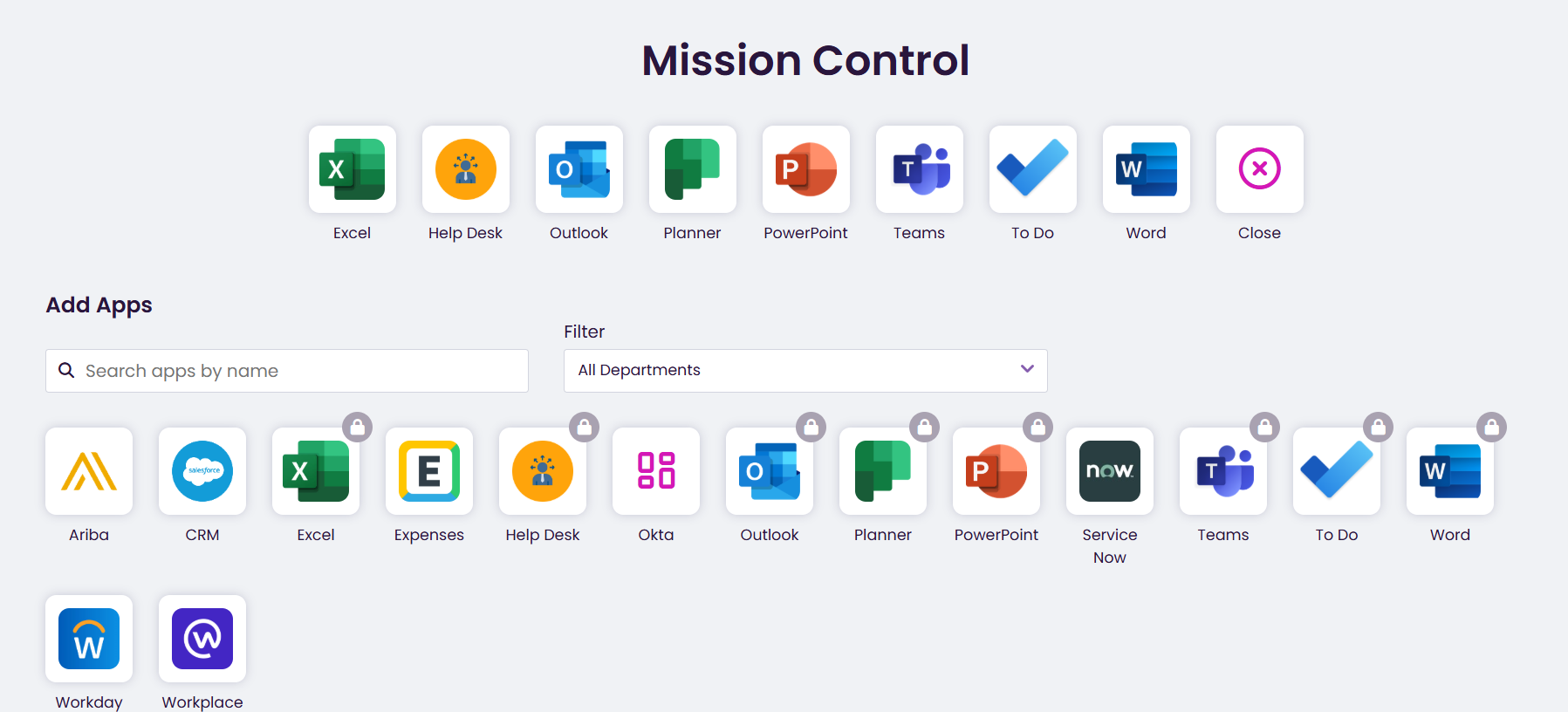
Displays list of Apps available to the current user in Mission Control. The default apps on the Hive site include Outlook, Teams, Excel, Chrome, Word, and Help Desk Apps. The Add Apps allows the users to customize their list of Apps to display on Mission Control.
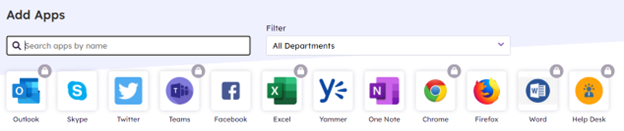
Add Apps also provides search and filter capabilities. Apps with a lock displayed indicates the App is mandated by Corporate and cannot be deleted by a user. Permissioned content owners can manage the list of Apps displayed for all users. On the Voice Rail select the clipboard structured content> Components tab and click on My Apps
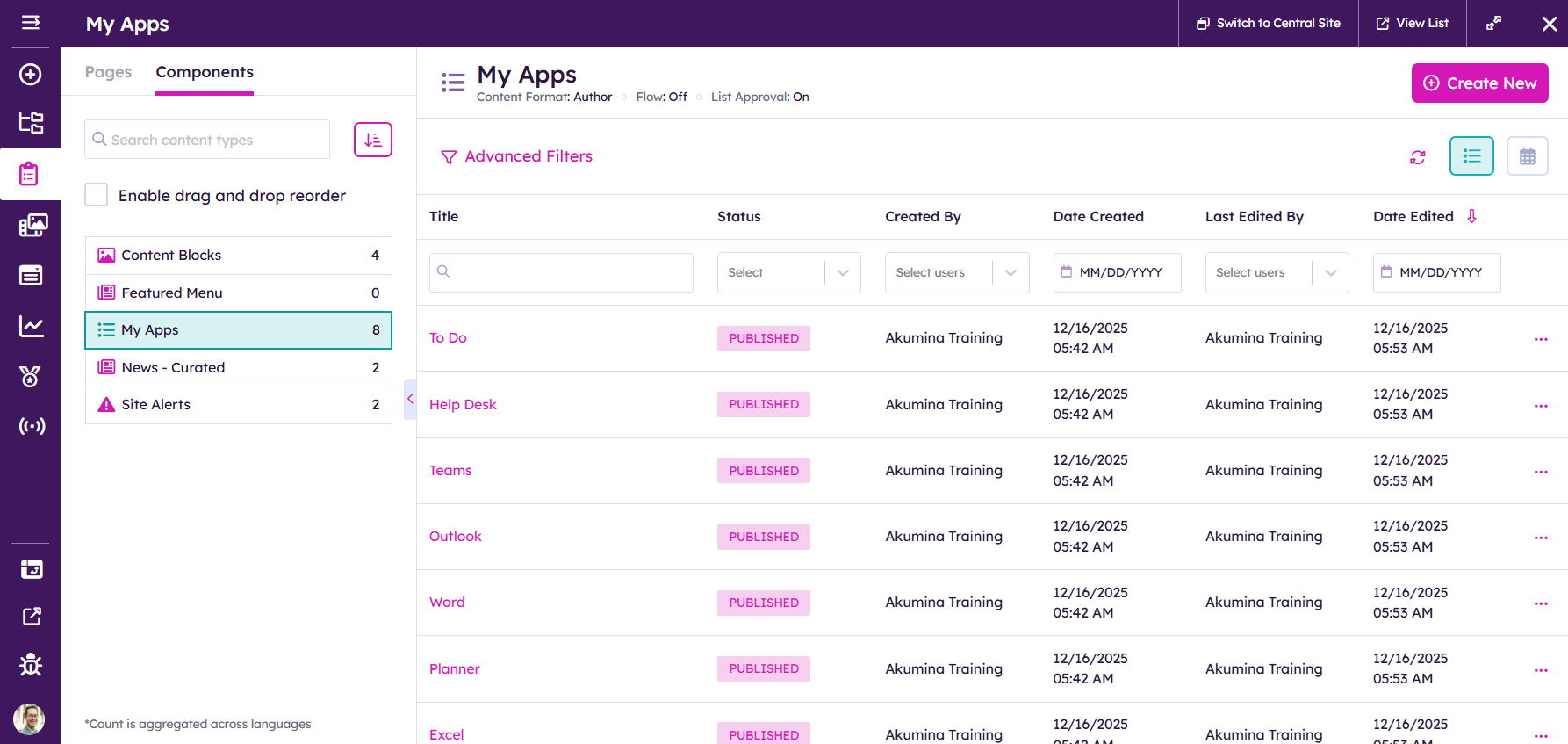
Adding an item to My Apps for the LaunchPad Widget on Mission Control
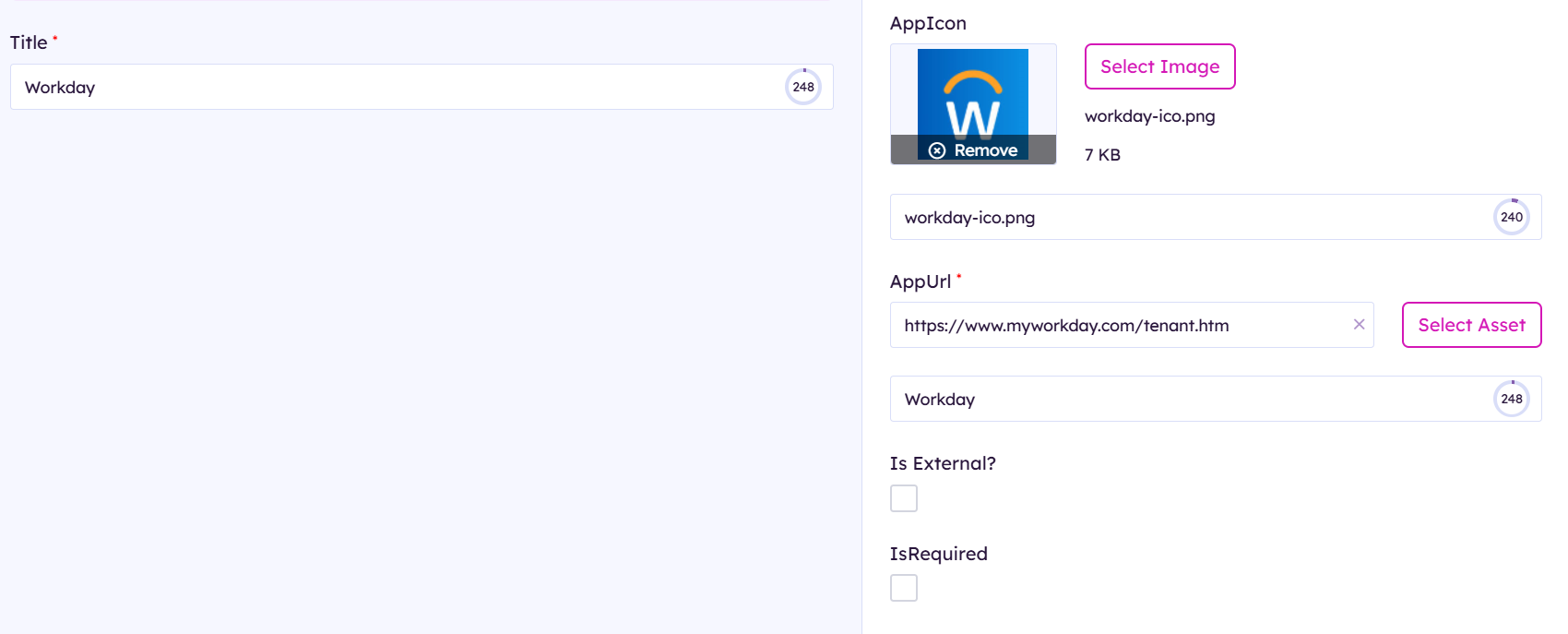
You will need to provide a title, png image, url to the external resource, flag it as an external link IsRequired (optional. If you enable it will be default enabled for your users) if it is not required they can include it as an add on with the Add apps button on the Mission Control  Also fill in appropriate meta data for tagging per your site.
After publishing the item you can see it on mission control