Akumina Announces Leadership Appointments - Peter Shields Named CEO, Ed Rogers Appointed President & Chief Product Officer Learn More
Akumina Logo
Back

Site Alerts

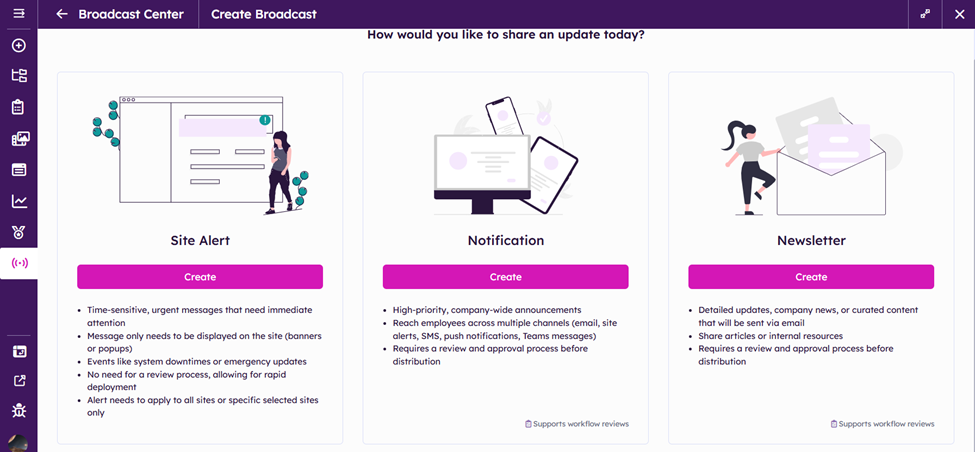
Akumina has introduced changes to the BroadCast center

Click Create under the Site Alert option

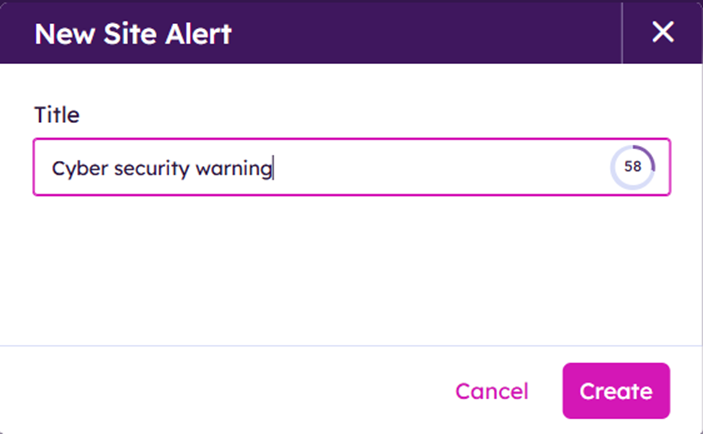
Type in the Alert’s title (up to 80 characters)

Click Create


Specify Site Alert’s recipients

Choose from:

  • Azure Active Directory Groups
  • Akumina Personas
  • Specify individual uses or upload a CSV file
  • Query Builder
  •  Everyone

Shown bellow is example of individual users
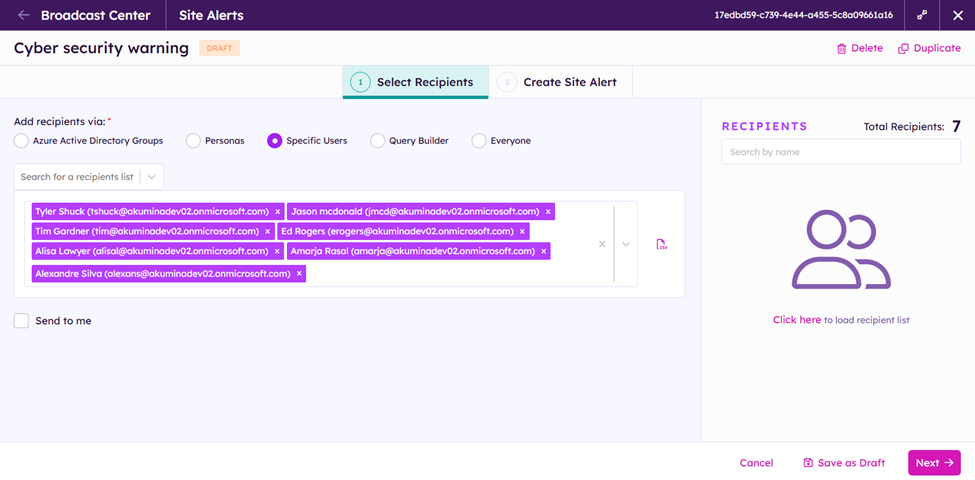
Click Next
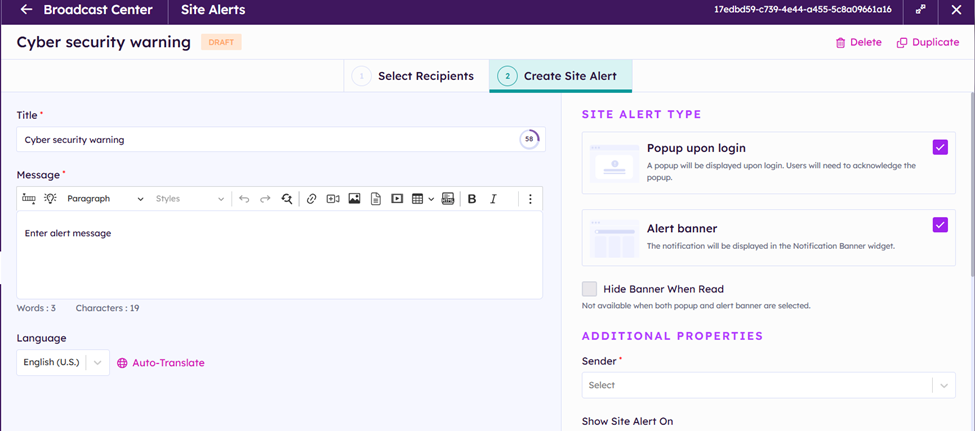
 

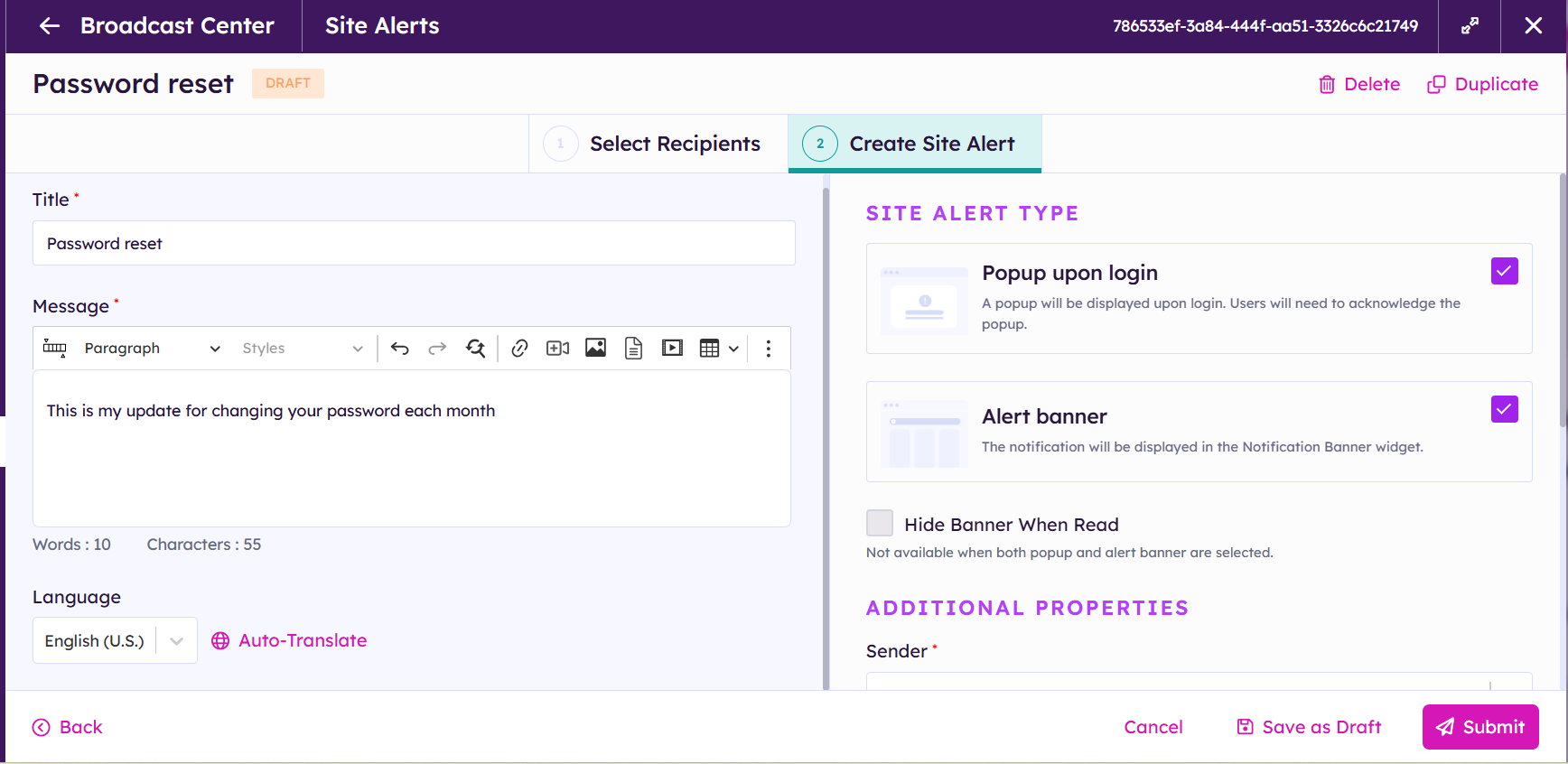
Create Site Alert Message

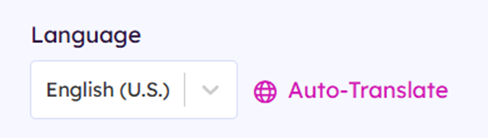
If you want to send the message in multiple languages toggle between languages or click Auto-Translate
Select desired lagnauges for translation
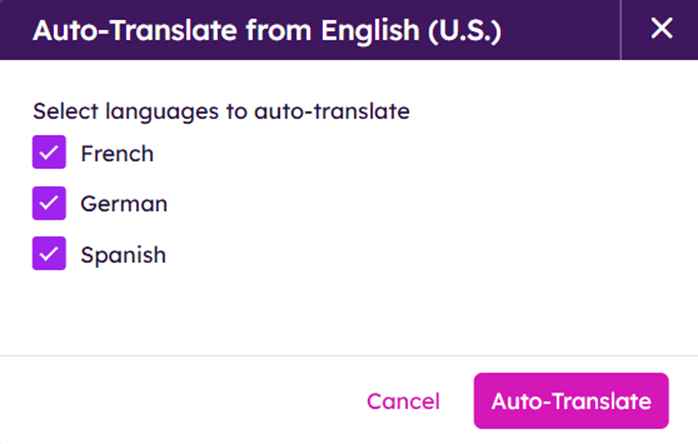
 

Click Auto-Translate


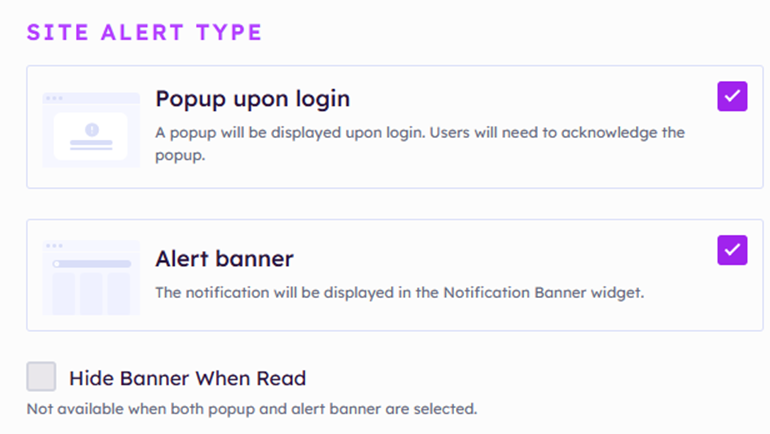
Underneath Site alert Type:

Select one or more Site Alert types


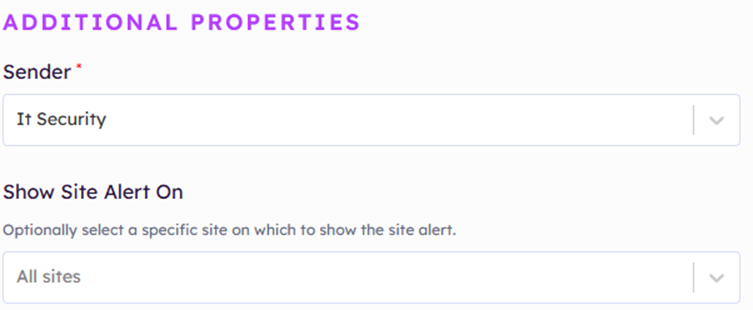
Choose the Site Alert’s Sender from a dropdown menu

Choose All Sites or Specify a Site to display site Alert on from a dropdown menu


Decide when the Alert will be sent out:

Select immediately to get the Alert out now

Select Scheduled to specify day and time to send Alert

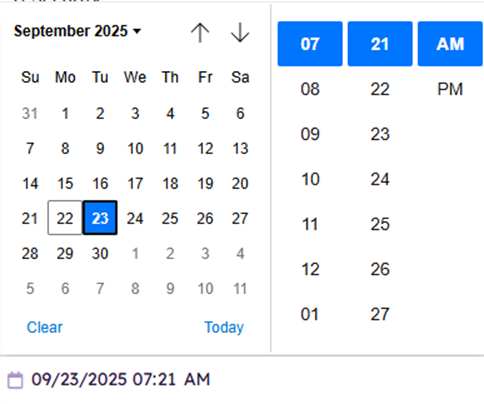
 

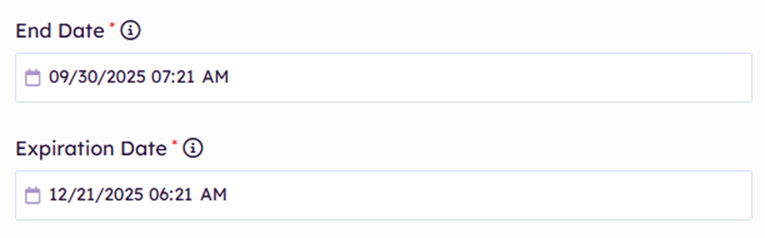
End Date:

Determines when the Alert will be removed from the site.

Click on the calendar icon


Expiration Date:

Determines when the Alert notification will be permanently deleted

Click on the calendar icon


Save as Draft or Submit message


  • Save as Draft will save your message for later user

  • Submit will initiate the Site Alert process

When finished your screen will look like this:

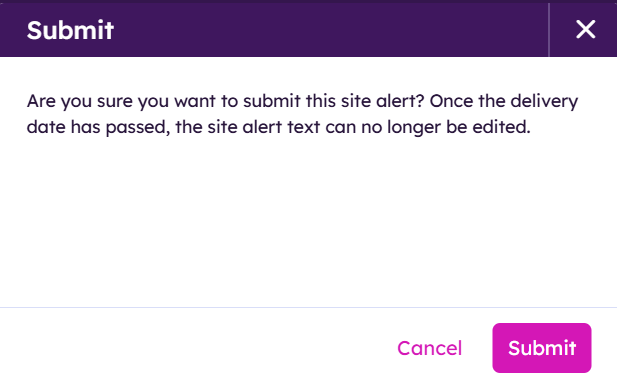
Click Submit


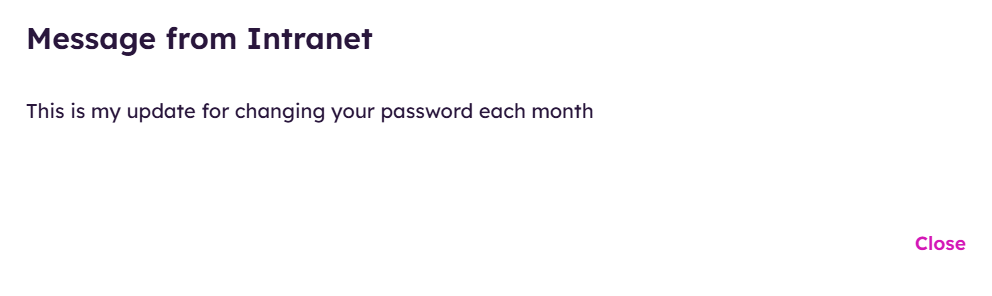
Example of the site alert:
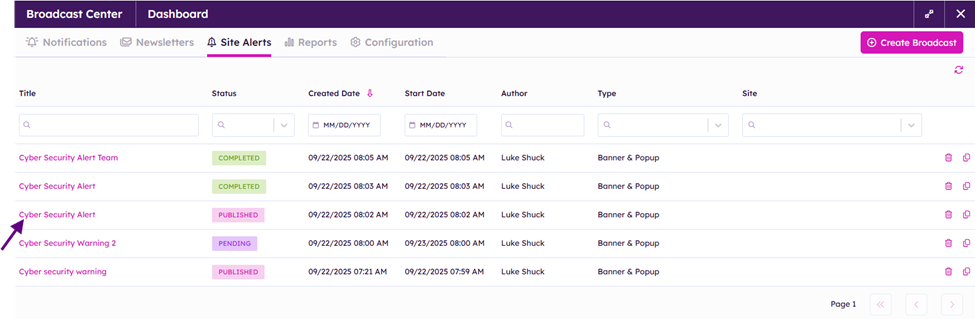
If you need to end the published  message before the end date click on the published site alert
Click on End Site Alert at bottom right corner of your window

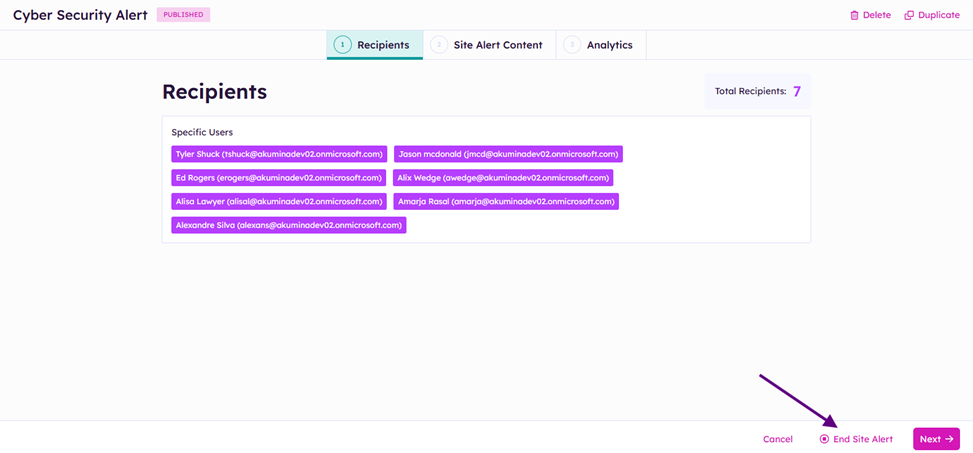
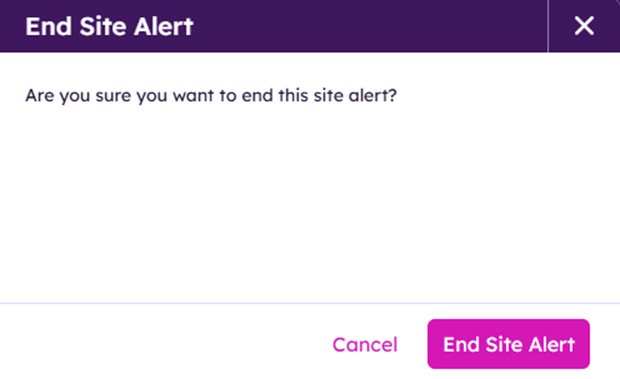
Click End Site Alert


The Site Alert will be removed from the Site and marked as completed in the BroadCast Center Interface

^ Top